Digital forms – daily reports, checklists & acceptance reports right on site
No more paper and scraps of paper. Fill in daily reports, checklists and acceptance reports digitally – right on your smartphone or tablet.
Keep your site diary digital
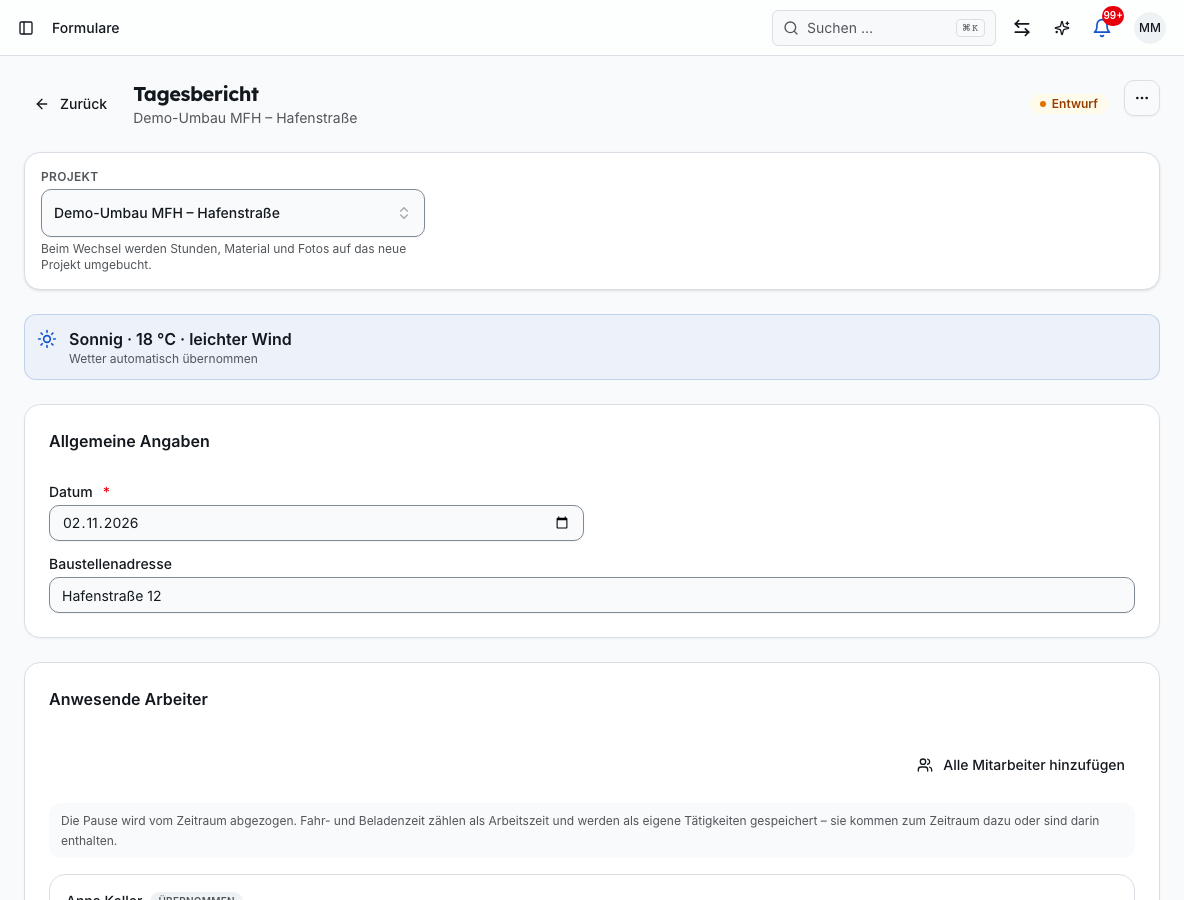
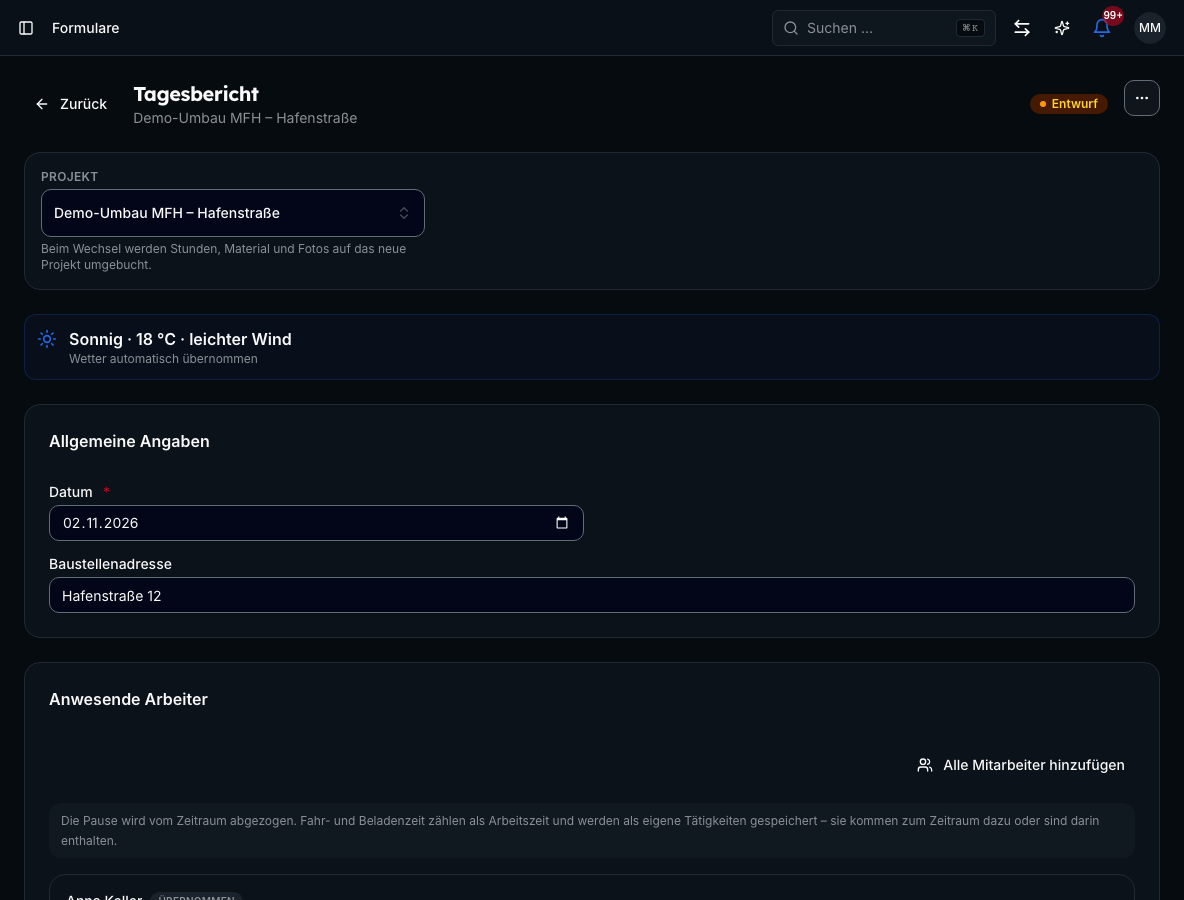
Document construction progress without gaps: weather, workers present, work carried out and materials used – all in one digital daily report. Bleno enters the weather automatically.
- Weather is pre-filled automatically
- Record weather, temperature and wind
- Log the workers and trades present
- Describe the work carried out
- Document materials and deliveries
Checklists for every trade
Create quality and safety checklists for all trades. Tick off inspection points, add remarks and document with photos.
- Flexible inspection points to tick off
- Remarks on every point
- Photo documentation per inspection point
- Inspector signature right on the device
Acceptance reports with defect documentation
Create acceptance reports in line with section 640 of the German Civil Code (BGB). Document defects with photos, severity and deadlines for remedial work.
- In line with German law: section 640 BGB / section 12 VOB/B
- Defects with severity and deadlines
- Photo evidence per defect
- Acceptance decision (accepted / refused)
- Digital signatures of both parties
Auto-fill from project data
No double entry: project, customer and address are pulled in automatically from your records. You only fill in the new information.
- Pull in project data automatically
- Pre-fill customer data
- Enter the building site address automatically
- Less typing, fewer mistakes
Embed photos directly
Take photos straight from the form. The photos end up in the same document as the text and signature – and appear in the finished PDF. One report, one piece of evidence.
- Camera right in the form
- Photos appear in the generated PDF
- Several photos per field
- In dead spots, photos stay on the device and are uploaded automatically later
- Signatures with timestamp and – if permitted – location
PDF at the push of a button
Generate professional PDFs from every completed form. With your company logo, all data, photos and signatures – ready to send by email.
- Professional PDF creation
- Company logo and contact details
- Photos and signatures embedded
- Send directly by email
Templates for every need
Start with the supplied system templates (daily report, checklist, acceptance report) or create your own templates for your specific requirements.
- 3 system templates ready to use immediately
- Create your own templates
- Templates adaptable for all trades
- Unalterable PDF after signing
Benefits
Digital forms: what it does for you
- Evidence for acceptance and variation claims
- No more scraps of paper
- Faster to fill in thanks to auto-fill
- Photos + signatures in one document
- Daily reports with automatic weather
- Share instantly as PDF
- Signature with timestamp and integrity hash
- Usable on smartphone and tablet
FAQ
Frequently asked questions
A digital daily report replaces the paper form on the building site. You document weather, workers present, work carried out and materials directly on your smartphone or tablet. The data is saved automatically and can be exported as PDF.
Bleno forms cover the content that is usual for daily construction reports and acceptances under section 640 of the German Civil Code (BGB) and section 12 VOB/B. After signing, an unalterable PDF is generated; signature and PDF creation are logged with a timestamp. Whether a document is sufficient as evidence in an individual case is ultimately decided by the court – but good documentation considerably improves your position.
Yes. In addition to the supplied system templates (daily report, checklist, acceptance report), administrators can create their own templates with any fields.
Yes. All forms are optimised for use on smartphones and tablets. Signatures are captured in full screen, and photos can be taken directly with the camera. In the Bleno app from the App Store and Google Play, forms such as the daily report or acceptance report can also be opened, filled in and signed without reception – they are transferred as soon as there is a connection again.
Yes. You can take or upload photos in every form. The photos appear in the generated PDF together with the text and signature.
Matching features
These features work hand in hand in your daily work. You'll find all the others in the overview.
Site documentation
Daily reports, acceptance reports and photos – filed directly on the project.
Learn more – Site documentation →Digital signatures
Customers sign on the tablet or online – a simple electronic signature under eIDAS.
Learn more – Digital signatures →Quotes & invoices
Create professional quotes, order confirmations and invoices in minutes.
Learn more – Quotes & invoices →Ready to get started?
Try Bleno free for 14 days, with no obligation. No credit card required.