Time clock for the tablet – time tracking without a smartphone
Not every employee has a work phone, and not everyone wants an app on their private phone. Put a tablet up in the workshop, warehouse or site cabin: tap your name, choose the project, clock in. No expensive hardware, no chip cards, no typing up timesheets.
The app for your team – free on the App Store and Google Play
Tap your name, clock in
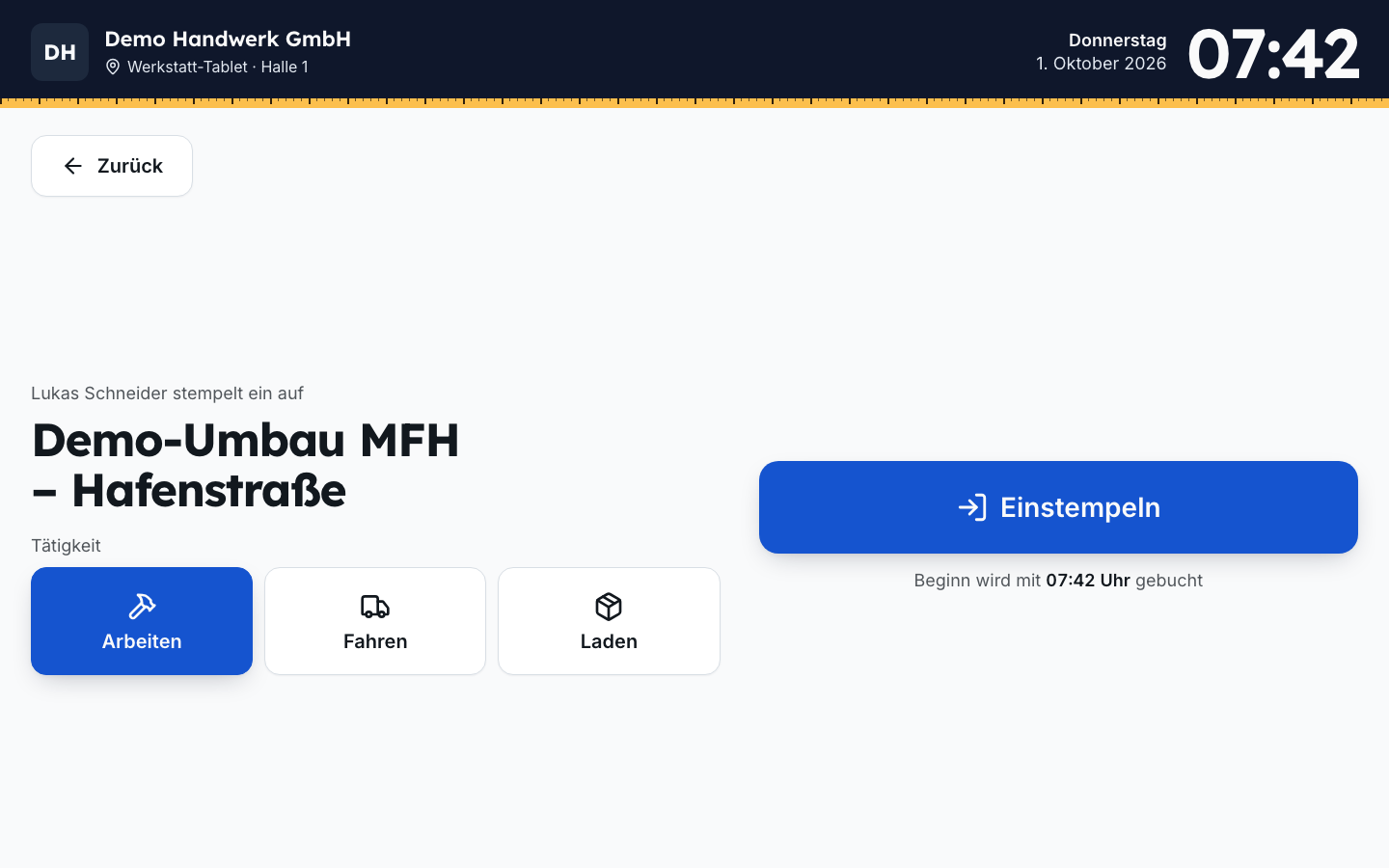
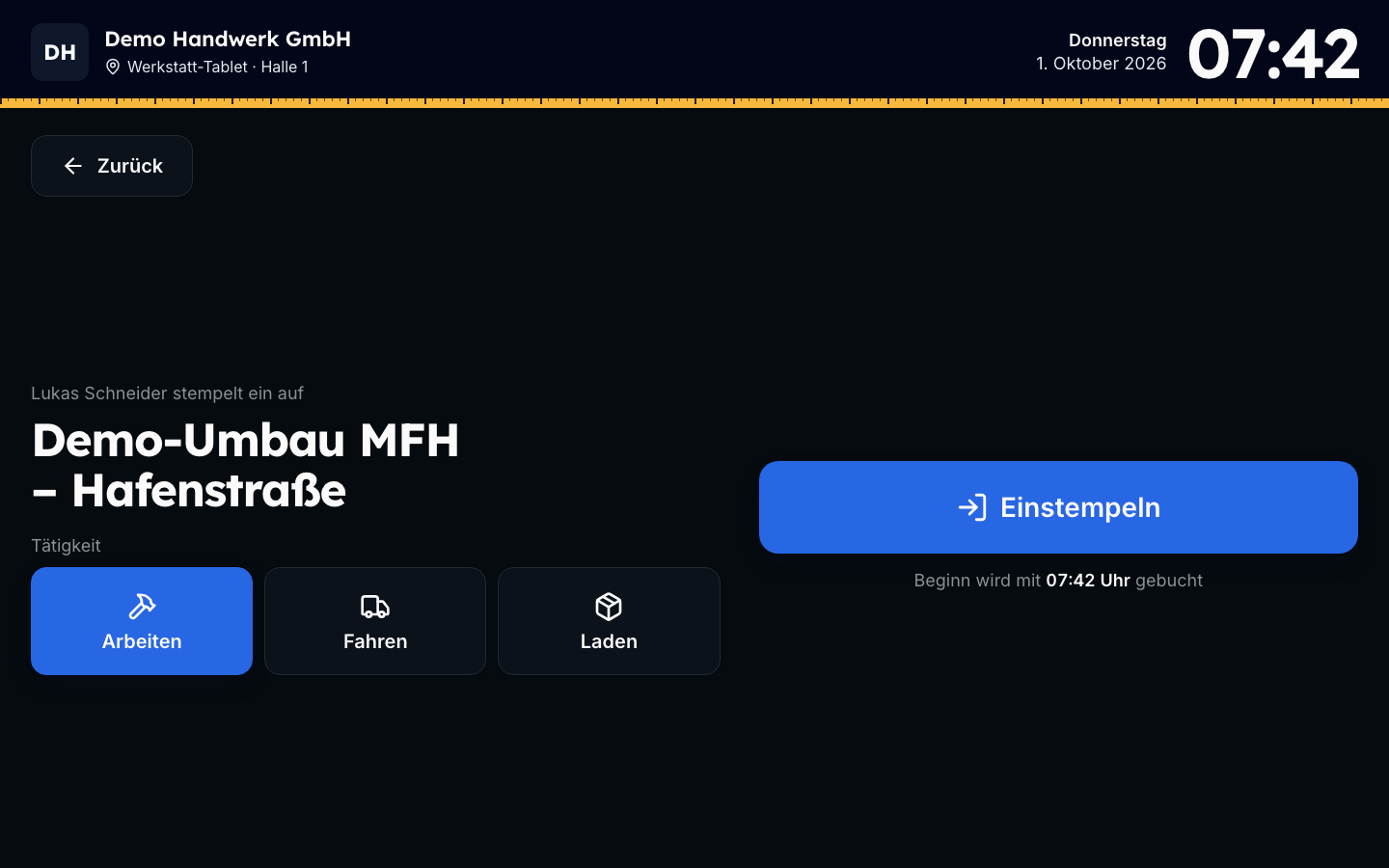
On the tablet, every employee sees their own tile. One tap, choose the project, optionally the activity such as working or driving – done. At the end of the day they clock out the same way. Searching by name and project helps with large teams too.
- Tiles with all employees, search by name
- Choose the project and optionally the activity
- Double clock-ins are prevented – forgotten clock-ins end after 12 hours at the latest and are marked “Pending” for review
- Times land in the time account immediately – together with app bookings
Set up in minutes
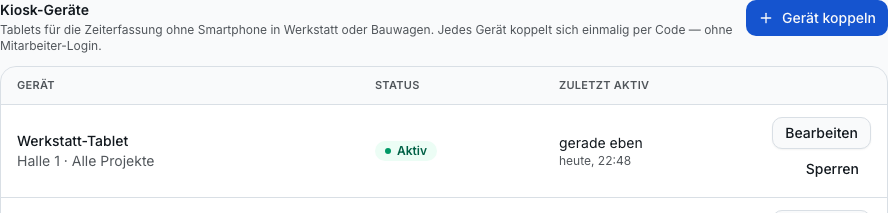
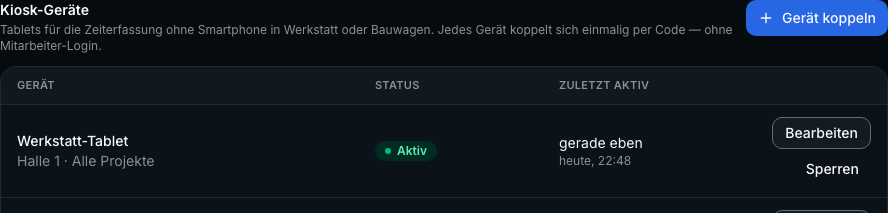
You pair the tablet in the settings by code or QR – no IT needed. The easiest way is the Bleno app from the App Store or Google Play: it keeps the screen on, runs in full screen and can be pinned. For each device you decide which projects can be clocked on. If a tablet goes missing, you lock it with one click.
- Pairing by code or QR code
- Bleno app as a fixed time clock: full screen, screen stays on, can be pinned
- Choose which projects each device can use – or allow all
- Lock the device at any time
- An inexpensive Android tablet or iPad from 10 inches is enough
No clocking in for colleagues
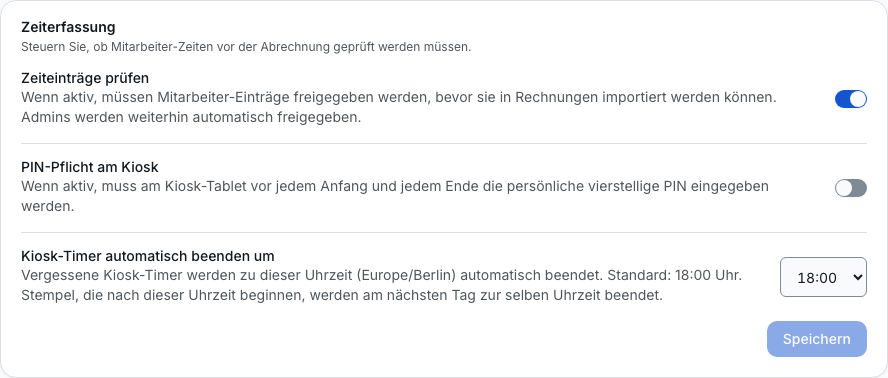
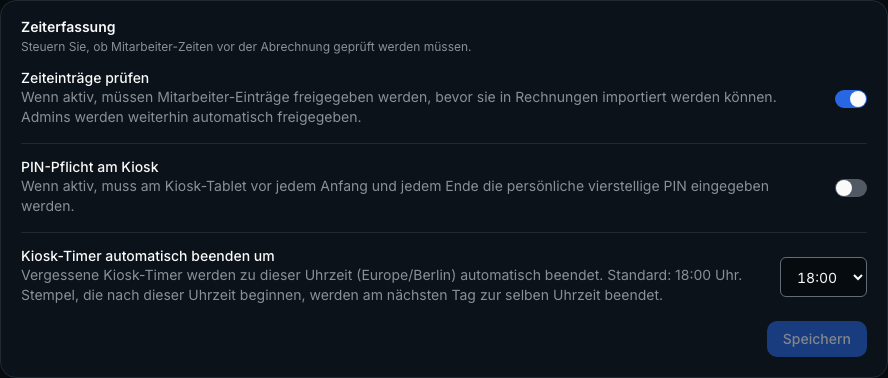
If you wish, a personal four-digit PIN secures every booking. After five failed attempts, access is locked for ten minutes. That keeps the times honest – without chip cards that get lost or passed on.
- Personal 4-digit PIN per employee (optional)
- Lock for ten minutes after five failed attempts
- PIN requirement can be switched on or off for the whole business
- No chip cards or transponders needed
Time tracking takes care of everything else
Kiosk clock-ins go into the same timesheets as app entries: you check and approve, Bleno keeps the overtime account and delivers the export for the payroll office. Alternatively, you connect existing terminals via an interface.
- Approval, overtime account and holidays in one place
- Monthly export for payroll office and tax adviser, in the German DATEV format
- Notices on breaks and maximum working time under the German Arbeitszeitgesetz (Working Hours Act)
- Connect existing time clocks via API key
Benefits
Time clock kiosk: what it does for you
- Time tracking even for employees without a smartphone
- No expensive hardware time clock
- No more typing up timesheets
- No clocking in for colleagues thanks to the PIN
- Set up in minutes
- Included in the Bleno package
FAQ
Frequently asked questions
An inexpensive Android tablet or iPad from around 10 inches is enough. Ideally with a wall mount and permanent power. Install the Bleno app on it from the App Store or Google Play: it runs in full screen, keeps the screen on and can be pinned. Alternatively, the time clock also runs in the browser. Step-by-step instructions for both kinds of device are under Settings → Kiosk devices.
No. The tablet is paired once; after that, employees just tap their name. If you like, you can also switch on a personal PIN.
Bleno ends forgotten kiosk clock-ins automatically – after 12 hours at the latest. The entry is then marked “Pending” with a note to check the working time, and only flows into payroll and invoicing after your approval. That way you check only these entries specifically.
Yes. Those with a smartphone book in the employee app, the others at the tablet. All times run into the same time tracking and the same time account.
No. The kiosk time clock is part of time tracking in Bleno. All you need is the tablet.
Matching features
These features work hand in hand in your daily work. You'll find all the others in the overview.
Time tracking
Employees record working time in the app – per project, with breaks and approvals.
Learn more – Time tracking →Employee app
Daily plan, time tracking, documents, materials and chat on your team's phones.
Learn more – Employee app →Scheduling
Plan jobs, crews and absences on one board – with weather and capacity in view.
Learn more – Scheduling →Ready to get started?
Try Bleno free for 14 days, with no obligation. No credit card required.