Incoming invoices – AI-assisted document processing
An end to the paper chaos: supplier invoices, delivery notes, credit notes and e-invoices are recognised automatically, booked to the project and scheduled for payment. The AI learns from your corrections – and at the end of the month everything goes to your tax adviser with one click.
Recognise instead of retyping
Upload documents, photograph them in the project or have them collected from your email mailbox – the AI reads out the supplier, items, quantities and amounts and recognises the document type. Correct something once, and Bleno remembers it for the next document from this supplier.
- Invoice, credit note, delivery note, payment receipt, order confirmation and payment reminder as separate document types
- Bleno learns from your corrections – per supplier
- Duplicates recognised, foreign currencies converted, scanned PDFs without a text layer read
- Documents come in by upload, by camera in the project or automatically from the email mailbox
Book to the project with one click
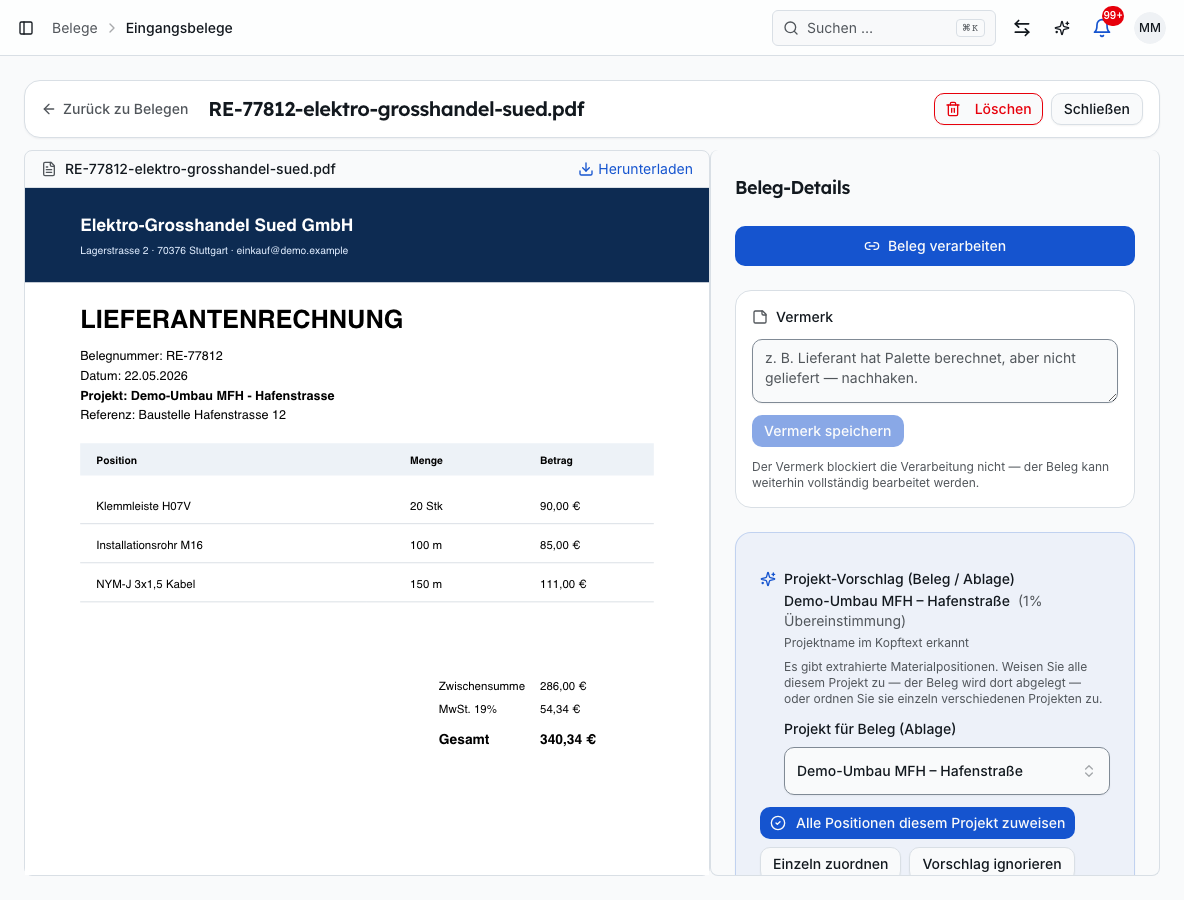
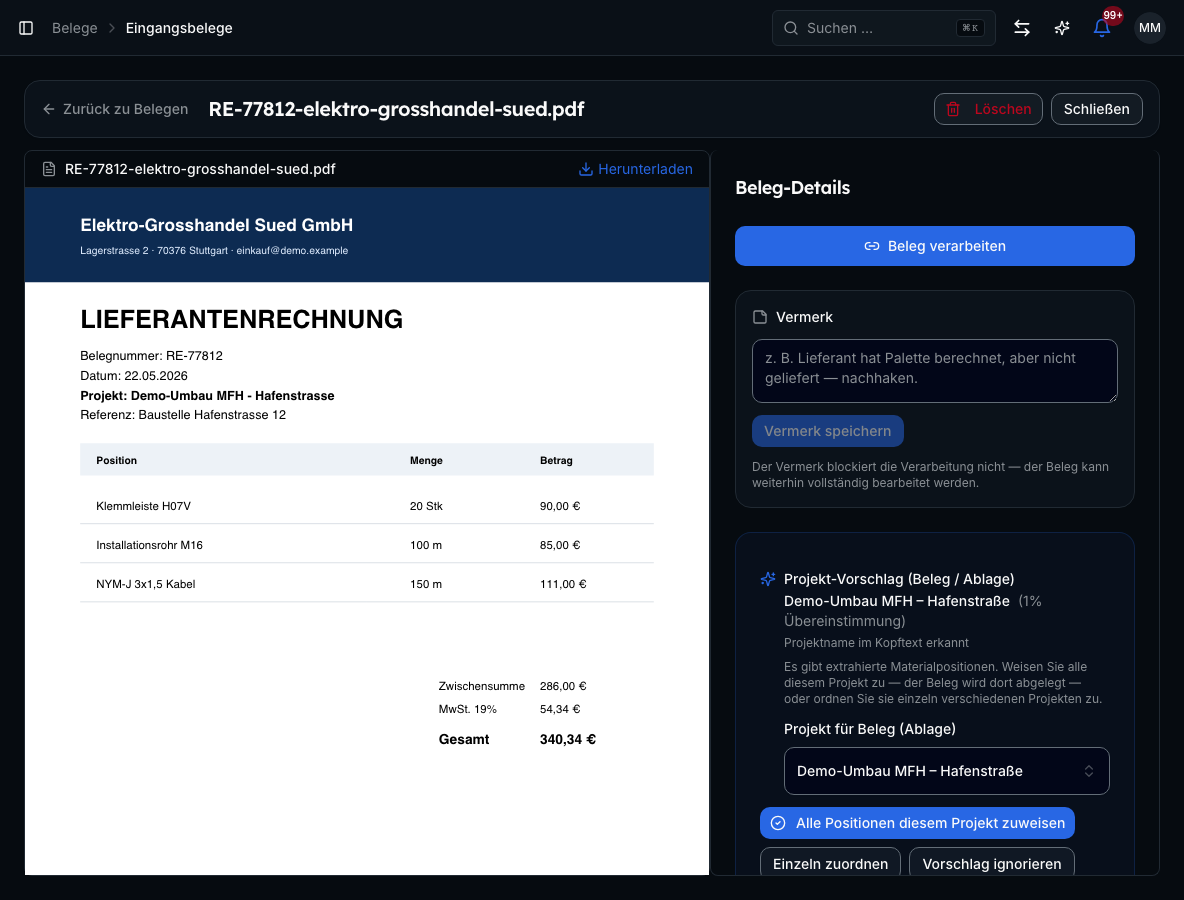
Bleno suggests the project and the booking – you confirm with one click. Book the whole document as a collective item and split it later, distribute freight costs freely to project, warehouse or customer: all without retyping.
- Adopt the AI suggestion for project and items with one click
- Book the whole document as a collective item, split it into individual items at any time
- Book freight and shipping costs freely to project, warehouse or customer
- Safety check for unusual items, previous and new purchase price compared
- Recognised material automatically ends up in the item catalogue and in job costing
Document check: invoice against order confirmation and delivery note
Bleno puts every supplier invoice next to the order confirmation and the delivery note. More expensive than agreed, more charged than ordered or delivered, items that were never ordered – this is shown at the top of the document before you book. Bleno offsets partial invoices against what has already been charged for the order confirmation.
- Matching per item with the order confirmation or quote – even with different spelling or via the article number
- Quantities against the delivery note: more charged than delivered stands out immediately
- Partial invoices: Bleno tracks what's left per order item and only flags it if you're charged more than remains
- Deviations already flagged in the document list, choose the matching order confirmation yourself if needed
From incoming document to customer invoice
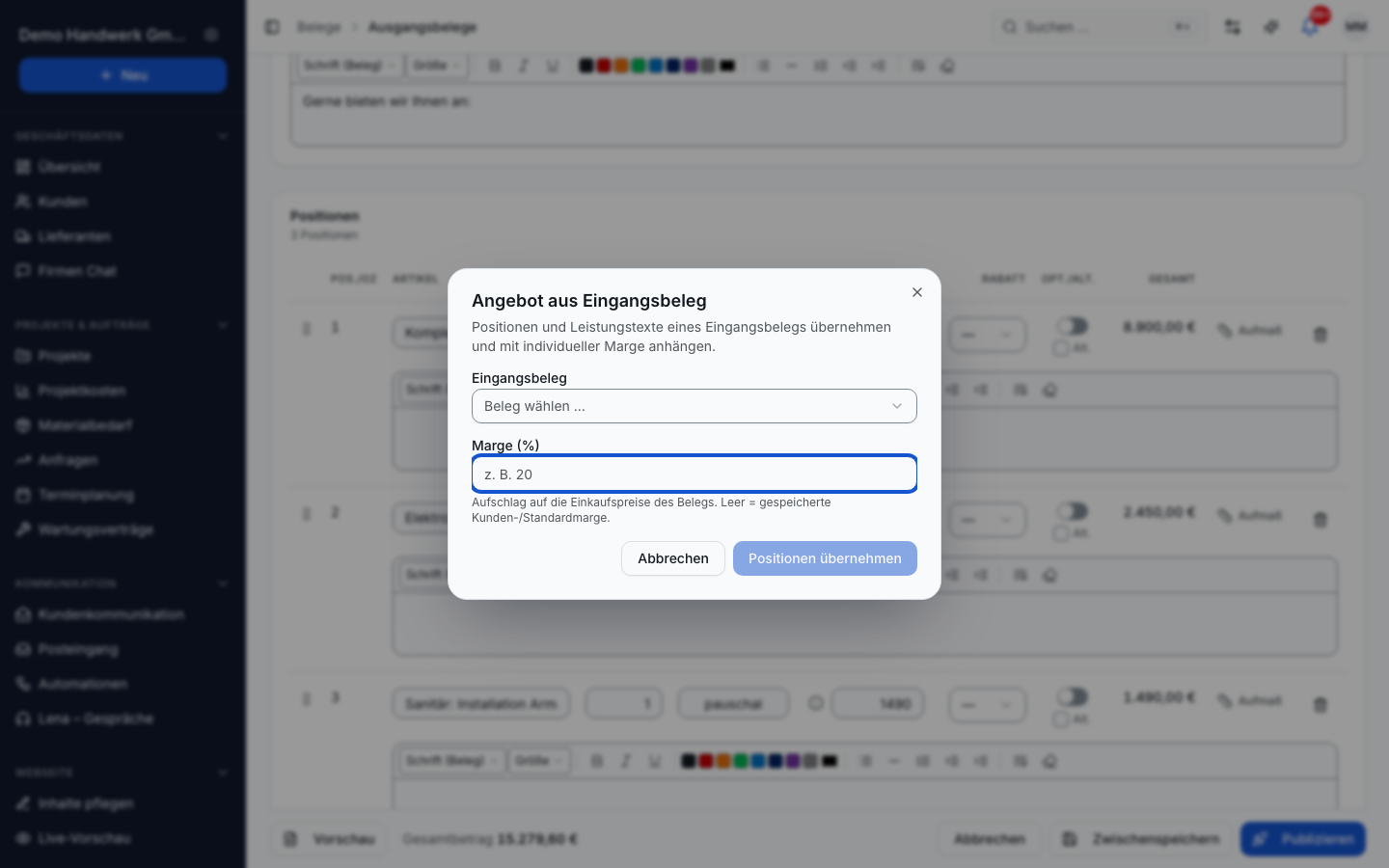
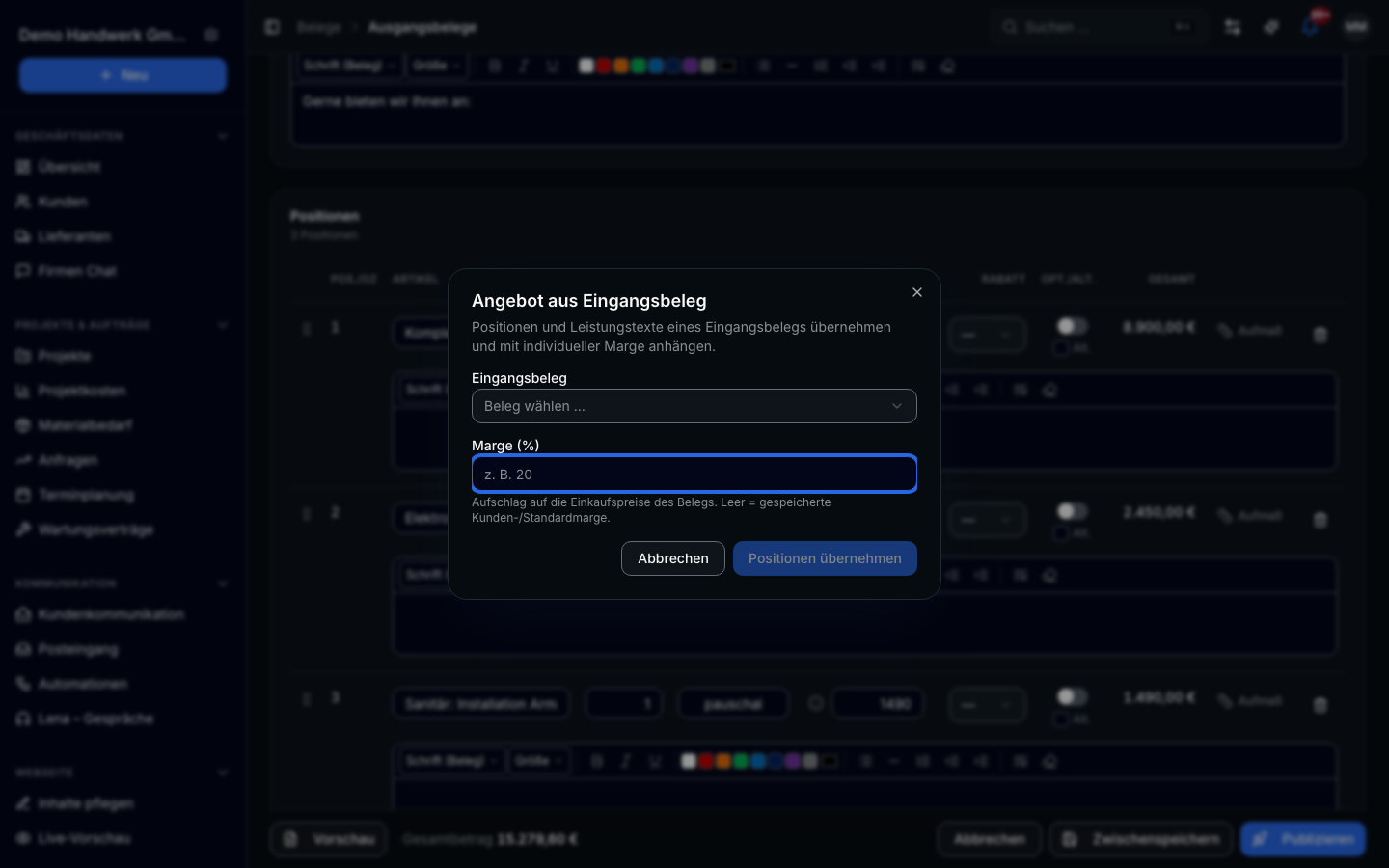
Re-invoice without a detour: create a quote or invoice directly from an incoming document, collect several supplier documents in one invoice or take the documents assigned to the project into the quote – with your margin.
- Create a quote or invoice directly from the incoming document
- Several incoming documents in one collective invoice to the customer
- Add project documents to the quote – purchase price plus margin
- Take items from several supplier invoices into an existing customer order confirmation
Receiving e-invoices
XRechnung XML and ZUGFeRD PDF (the German e-invoice formats) land in the inbox like any other document – directly from the connected mailbox. Bleno reads the structured data instead of guessing it from a scan and archives the XML as the original.
- XRechnung XML and ZUGFeRD PDF (German e-invoice standards) recognised automatically
- Received directly from Gmail, Outlook or IMAP – shared mailboxes too
- Structured data without OCR errors, XML archived as the original in line with the German GoBD rules
- Ready for the mandatory e-invoicing in Germany from 2027/2028
Paying and offsetting credit notes
The booked document automatically becomes a scheduled payment – with the early-payment discount deadline and due date. You offset credit notes against open invoices from the same supplier, also split across several. You write off remaining amounts with one click.
- Schedule a payment – also for documents without a project assignment
- Offset a credit note against one or several open invoices, also with a stock deduction
- Write off small balances; post invoices with duplicate numbers when needed
- Approval and transfer under “Open payments” – via finAPI or SEPA file
Archive, missing documents and tax adviser
All documents archived in line with the German GoBD rules and linked to the bank reconciliation. Bleno shows per month which bank transactions still lack a document – and, if you wish, automatically sends the finished monthly package to your German tax adviser.
- Document archive in line with the German GoBD rules, with full-text search and bank reconciliation
- “Missing documents per month”: open bank transactions without a document at a glance
- “Documents” tab for everything that is not posted (quotes, terms and conditions, information letters)
- Monthly package with one click or automatically to your German tax adviser, DATEV document sync
Benefits
Incoming invoices: what it does for you
- Less paper chaos
- AI recognises documents and learns from corrections
- Booked to the project with one click
- Re-invoice incoming documents directly
- Receive e-invoices
- Payments and credit notes under control
- Archive in line with the German GoBD rules, ready for your tax adviser
FAQ
Frequently asked questions
The AI recognises supplier invoices, credit notes, delivery notes, payment receipts, order confirmations, payment reminders and quotes – each as its own document type. The classification can be adjusted manually at any time; Bleno remembers your corrections per supplier.
Based on the content and metadata of the document (e.g. project number, customer name, delivery address), Bleno suggests the matching project. You confirm with one click – or book the whole document as a collective item and split it later.
Yes. Create a quote or invoice directly from the incoming document, collect several supplier documents in one invoice or take all documents assigned to the project into the quote – Bleno adds your margin automatically.
Yes. XRechnung XML and ZUGFeRD PDF (the German e-invoice formats) are recognised automatically – by upload or directly from your connected email mailbox. The structured data is read out, and the XML is archived as the original in line with the German GoBD rules.
Yes, all incoming documents are archived digitally in line with the German GoBD rules. At the end of the month, you send the document package to your German tax adviser with one click – or automatically; via the DATEV document sync you see which documents have already been transferred.
Yes. The document check compares every supplier invoice item by item with the order confirmation (or the quote) and the quantities with the assigned delivery note. Price deviations, extra quantities and items that were never ordered are shown at the top of the document and in the document list. If an order confirmation is billed in several partial invoices, Bleno shows per item what has already been charged and what is still open – on the invoice and on the order confirmation.
Yes, recognised materials from delivery notes and invoices are linked to your item catalogue and taken into material management and job costing. When booking, you see the previous and the new purchase price side by side and decide whether to adopt the new one.
Matching features
These features work hand in hand in your daily work. You'll find all the others in the overview.
Bank reconciliation
Match bank transactions with invoices automatically and pay supplier invoices.
Learn more – Bank reconciliation →Materials & inventory
Item catalogue, stock with QR scanning, loading lists and material costs per project.
Learn more – Materials & inventory →Job costing
Compare actual costs with your quote and see the margin of every project.
Learn more – Job costing →Quotes & invoices
Create professional quotes, order confirmations and invoices in minutes.
Learn more – Quotes & invoices →Email integration
Connect Gmail, Outlook or IMAP and work with emails in the context of the project.
Learn more – Email integration →Ready to get started?
Try Bleno free for 14 days, with no obligation. No credit card required.