Team chat – internal communication by project instead of WhatsApp groups
All conversations, decisions, photos and files in one place – sorted by project and channel. Your team communicates directly in the app, without private mobile numbers or confusing group chats.
Project-based channels
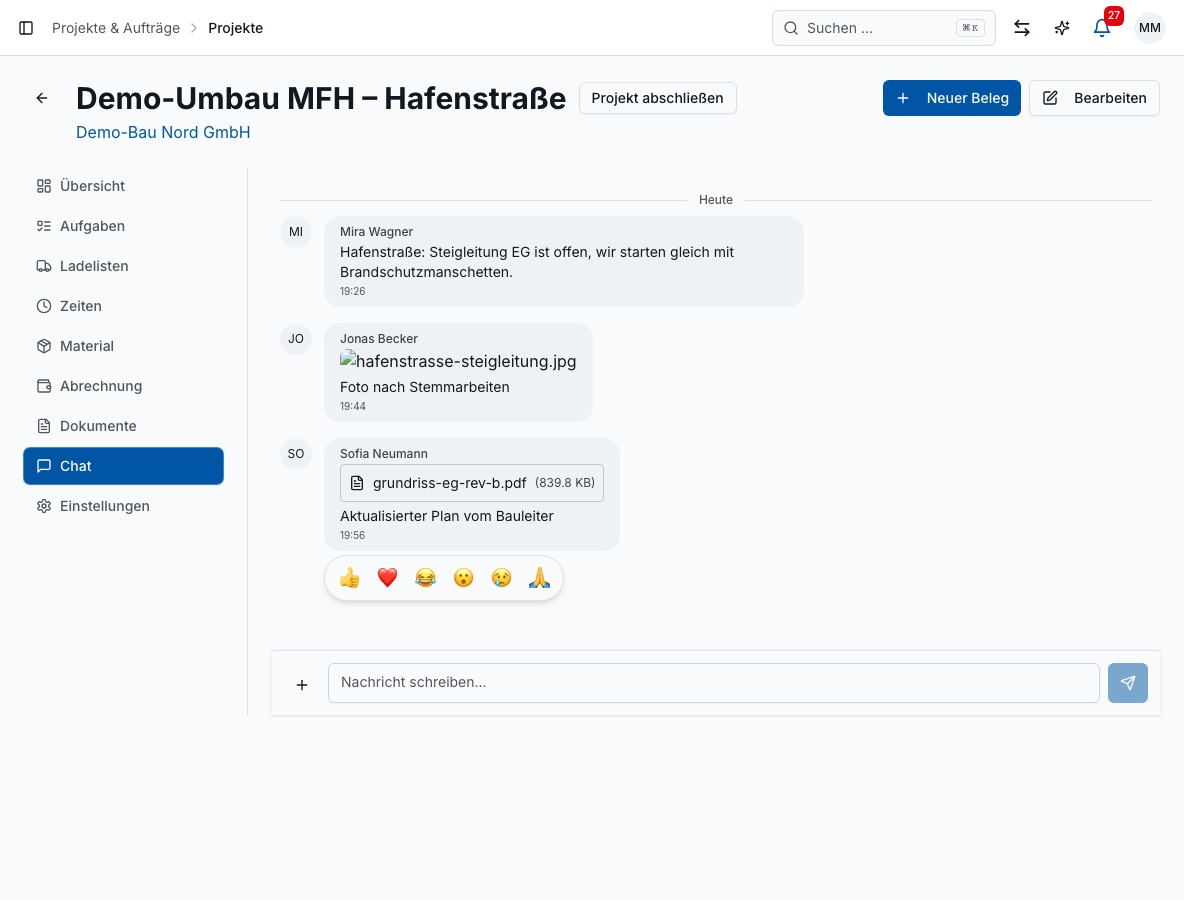
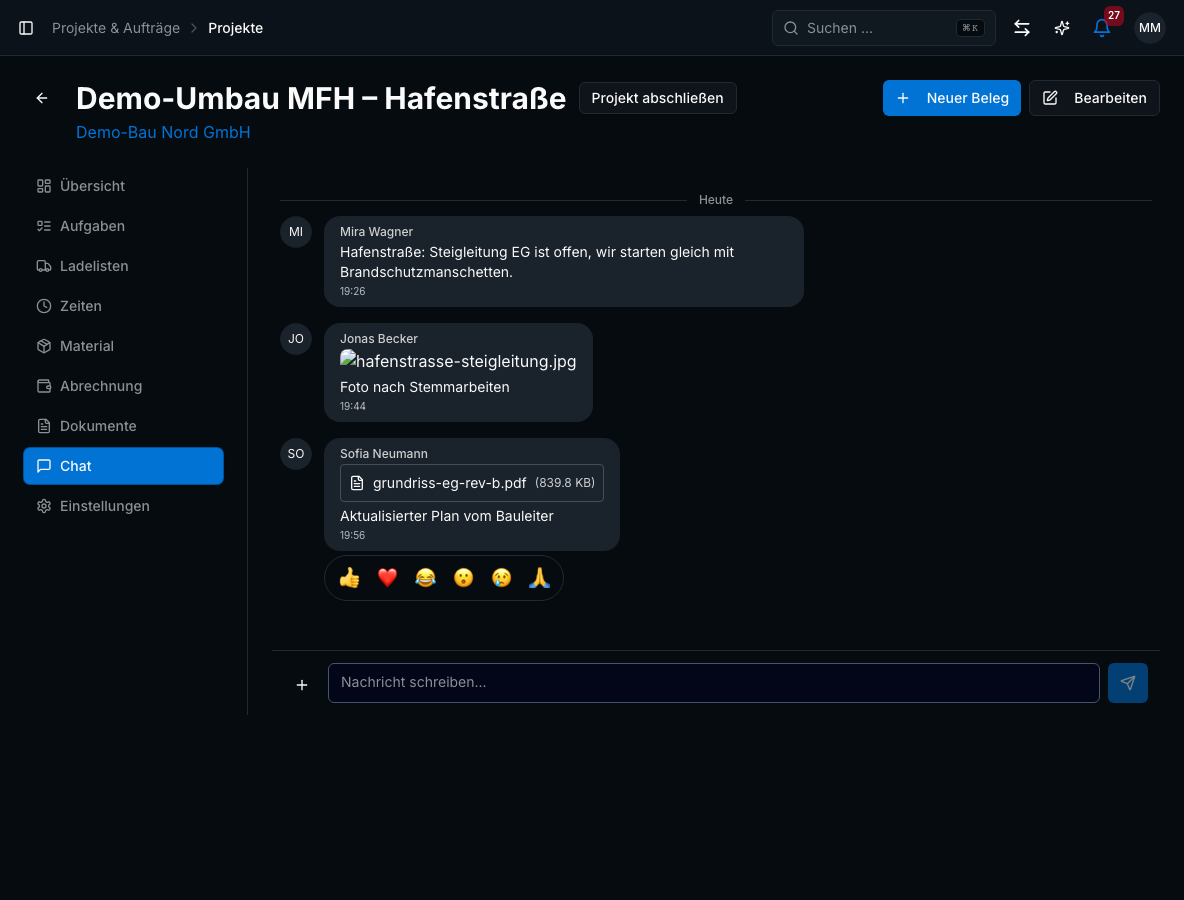
Every project has its own chat channel. That way conversations, decisions, photos and files stay where they belong – and not in an endless WhatsApp history.
- Automatic project channels
- Company chat for the whole team
- One chat per project – created automatically
- Chat right in the project – next to the schedule, documents and photos
Share files & photos
Share building site photos, plans and documents directly in the chat. In the project chat, photos and files automatically end up in the project documents and remain available permanently.
- Photo and file sharing
- Automatic assignment to the project
- Stored permanently
- Voice messages – handy when your hands are dirty
Always reachable – on mobile too
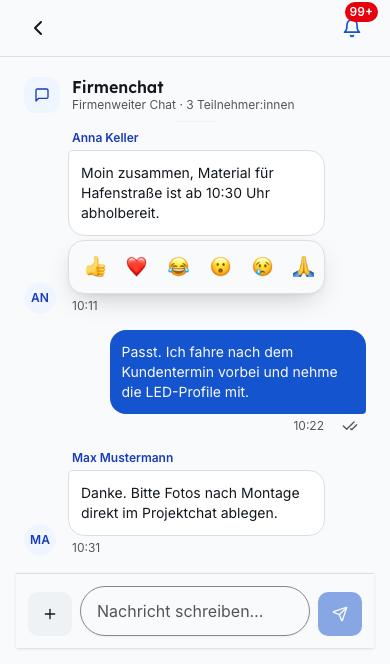
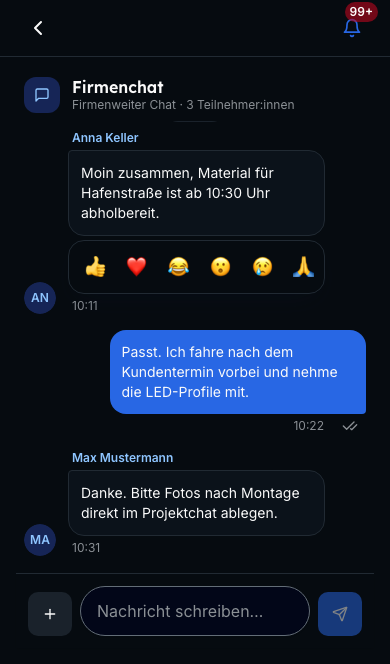
The chat works on the smartphone just as it does on the PC. That way your team stays connected on the building site and in the office – without having to give out private numbers.
- Mobile app & desktop
- Push notifications
- Read receipts
- Video messages and emoji reactions
Benefits
Team chat: what it does for you
- No more WhatsApp chaos
- All information in the right place
- No private numbers needed
- Photos and files stored permanently
- Traceable communication
- Works on any device
FAQ
Frequently asked questions
Yes, the Bleno chat offers everything you know from WhatsApp – messages, photos, files, reactions. In addition, all messages are automatically assigned to the right project and remain stored permanently.
Yes, the chat is integrated into the Bleno app. Your employees download the Bleno app from the App Store or Google Play (or add Bleno to the home screen in the browser) and log in – done.
The team chat is deliberately internal – your customers do not read along. For communication with clients there is the customer portal (documents, tasks, quote acceptance, signatures, messages) and the email integration, where every email automatically lands on the right project.
Matching features
These features work hand in hand in your daily work. You'll find all the others in the overview.
Scheduling
Plan jobs, crews and absences on one board – with weather and capacity in view.
Learn more – Scheduling →Site documentation
Daily reports, acceptance reports and photos – filed directly on the project.
Learn more – Site documentation →Time tracking
Employees record working time in the app – per project, with breaks and approvals.
Learn more – Time tracking →Ready to get started?
Try Bleno free for 14 days, with no obligation. No credit card required.