Digital signature – customer acceptance right on the building site
Have customers sign acceptance reports and documents right on the tablet. In line with eIDAS, fast and without paper.
Signature right on the device
Capture signatures right on your smartphone or tablet. The touch-optimised input works with a finger or stylus – as natural as on paper.
- Touch-optimised signature capture
- Works on smartphone and tablet
- Undo or clear the signature
- Confirmation dialog before saving
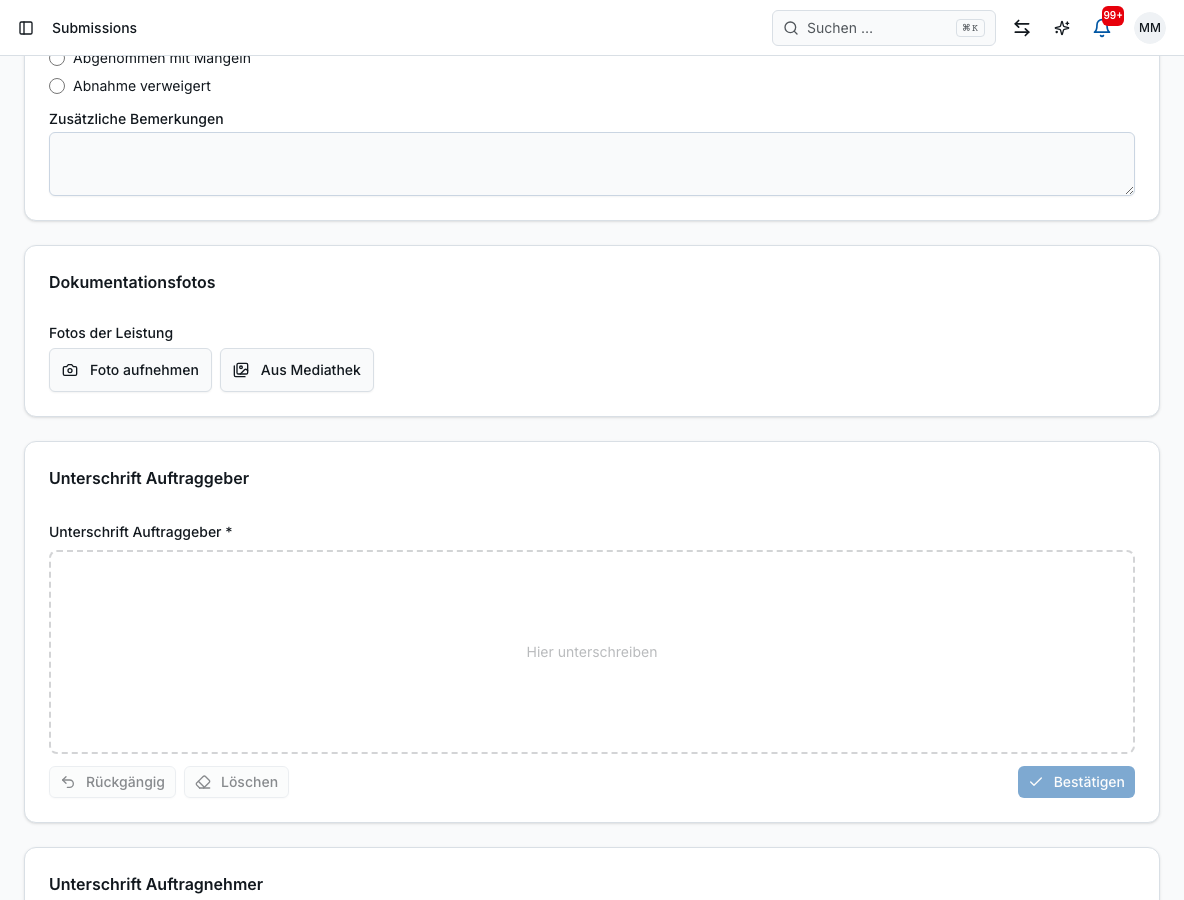
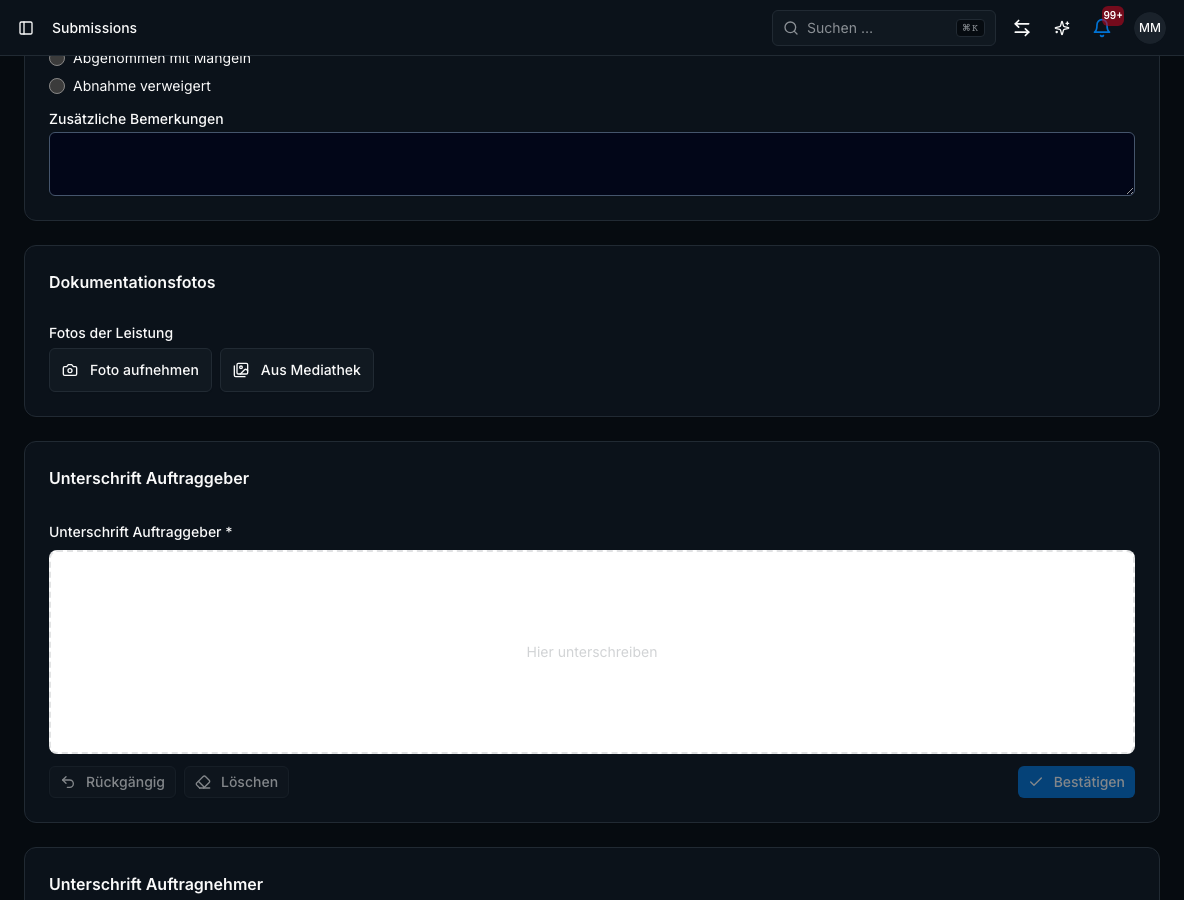
Customer acceptance on site
Carry out the complete customer acceptance digitally: fill in the acceptance report, document defects and have the customer sign right on site – all in one workflow.
- Acceptance report + signature in one step
- Name, date and time of every signature appear in the form PDF
- Defect documentation with photos
- Both parties sign digitally
- Report filed directly on the project
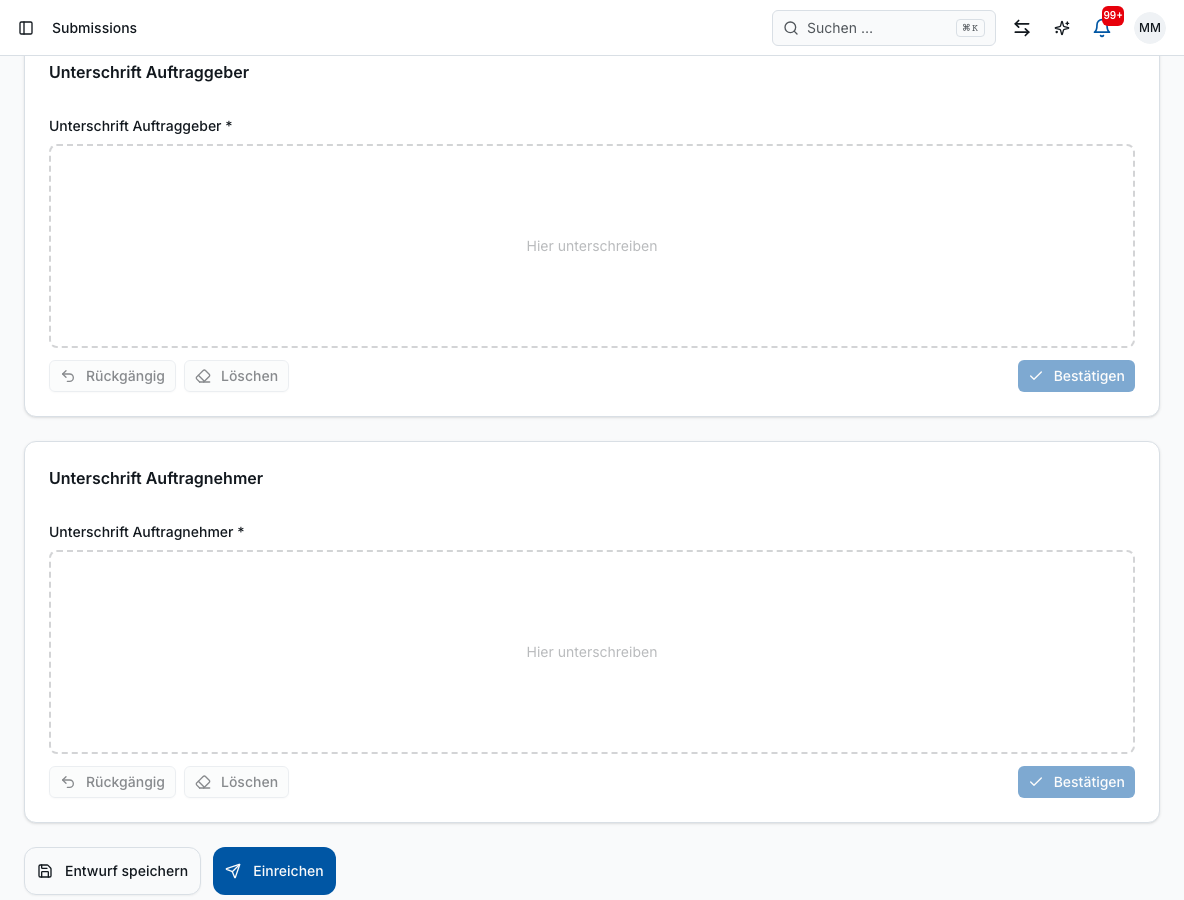
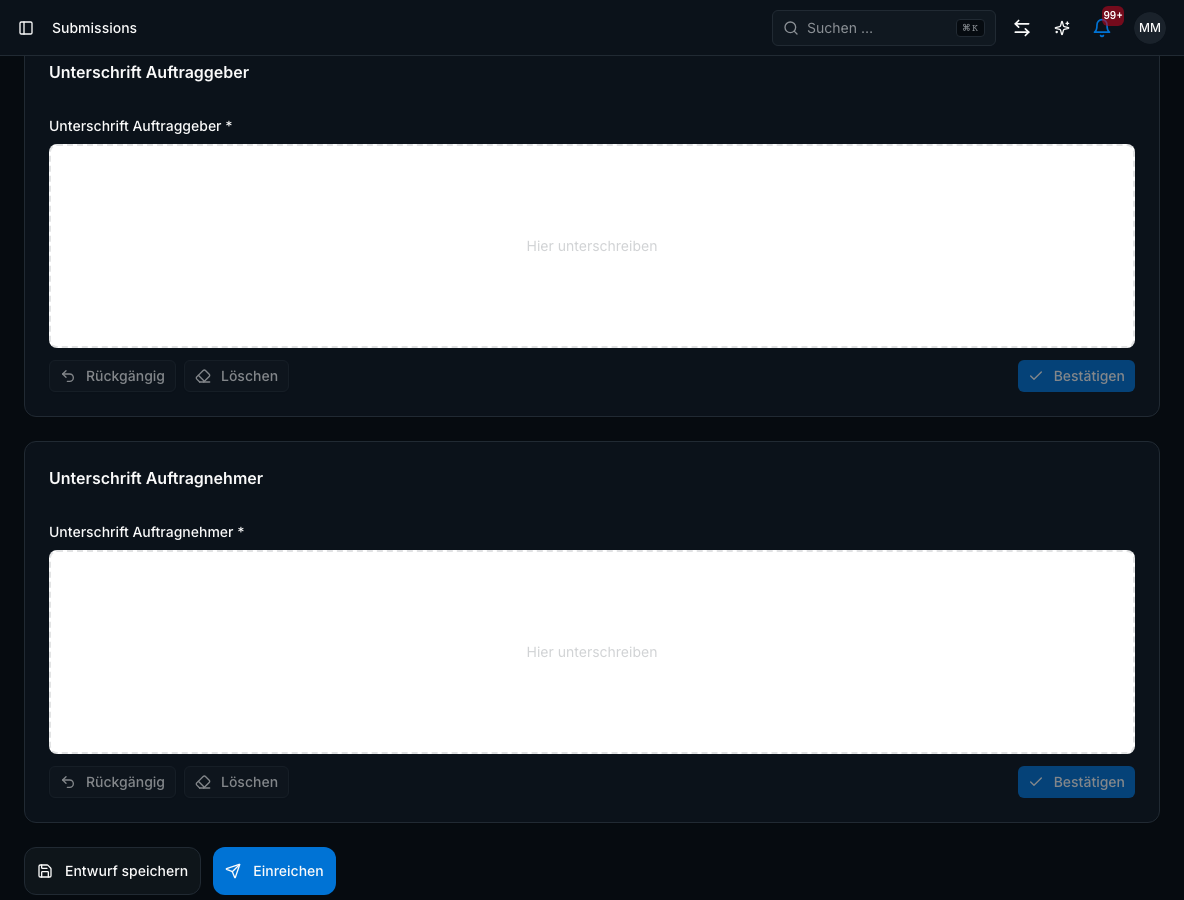
Customer link without an account
Your customer does not need a Bleno account. They sign quotes, maintenance contracts and submitted forms such as the acceptance report via a time-limited link from your email, and reports you have shared in the customer portal.
- Time-limited signing link for quotes and maintenance contracts – can be withdrawn at any time
- “Send signing link” for submitted forms – valid for 14 days, revocable at any time
- No Bleno account needed for customers
- Mobile-optimised view with confirmation page after signing
- Notification as soon as a report has been signed in the portal
In line with eIDAS
Bleno uses the simple electronic signature under eIDAS – the procedure commonly used in practice for acceptance reports, daywork reports and order confirmations. Online signatures (customer portal, quote acceptance, maintenance contract) are secured with a SHA-256 hash, timestamp and IP address and can therefore be used as evidence in a dispute.
- Simple electronic signature under eIDAS
- Evidence preservation with timestamp and metadata for online signatures
- SHA-256 integrity hash
- PDF with signature, name and time after the online signature
Automatic PDF creation
At the push of a button Bleno creates a PDF from every form with your letterhead, all form data and photos. If the customer signs online in the customer portal, their signature appears in the PDF with name and time – ready for filing and sending.
- PDF with letterhead, form data and photos
- Online signatures embedded in the PDF
- Filed directly on the project
- Copy by email to the customer after the online signature
Metadata for preserving evidence
Online signatures automatically store the timestamp and IP address, in the customer portal also device information and – if permitted – the location. In a dispute you can prove when and how the document was signed.
- Automatic timestamp (ISO 8601)
- Location when signing in the customer portal (if permitted)
- Device information stored
- IP address for traceability
Benefits
Digital signatures: what it does for you
- No more paper documents
- Acceptance sign-offs in line with eIDAS
- Customers do not need an account
- PDF at the push of a button
- Timestamp and hash as evidence
- Faster project completion
- Signed reports filed on the project
- SHA-256 proof of integrity
FAQ
Frequently asked questions
Yes, for the typical cases in the trades. Bleno uses simple electronic signatures (SES) under eIDAS. For acceptances under section 640 of the German Civil Code (BGB) and section 12 VOB/B, German law prescribes no particular form – the signature serves as proof, online additionally secured with timestamp, hash and metadata. Where German law expressly requires the written form (e.g. section 126a BGB, qualified signature), it does not replace the handwritten signature.
No. The customer signs quotes and maintenance contracts via a time-limited link from your email – without registering. You release reports in the customer portal; the customer signs them online there.
You create an acceptance report, document any defects with photos and sign as the contractor. Then the customer signs either directly on your device or – if you release the report in the customer portal – later online. The report is then filed on the project, as a PDF at the push of a button.
The form is submitted and filed on the project. As a PDF it contains your letterhead, all form data and photos; online signatures from the customer portal appear in it with name and time. If the customer signs in the customer portal, they automatically receive a copy of the PDF by email. Otherwise you can download the PDF, release it in the portal or email it yourself.
When signing in the customer portal, yes – if the customer allows location sharing. The location is then stored together with the signature and can serve as additional evidence in a dispute. The location request is optional.
Matching features
These features work hand in hand in your daily work. You'll find all the others in the overview.
Digital forms
Daily reports, checklists and acceptance reports filled in digitally and shared as PDF.
Learn more – Digital forms →Site documentation
Daily reports, acceptance reports and photos – filed directly on the project.
Learn more – Site documentation →Quotes & invoices
Create professional quotes, order confirmations and invoices in minutes.
Learn more – Quotes & invoices →Ready to get started?
Try Bleno free for 14 days, with no obligation. No credit card required.