Email integration – your inbox right in Bleno
Connect Gmail or Outlook with one click. All business emails land directly in Bleno and are automatically assigned to the right projects and customers.
Connect Gmail & Outlook
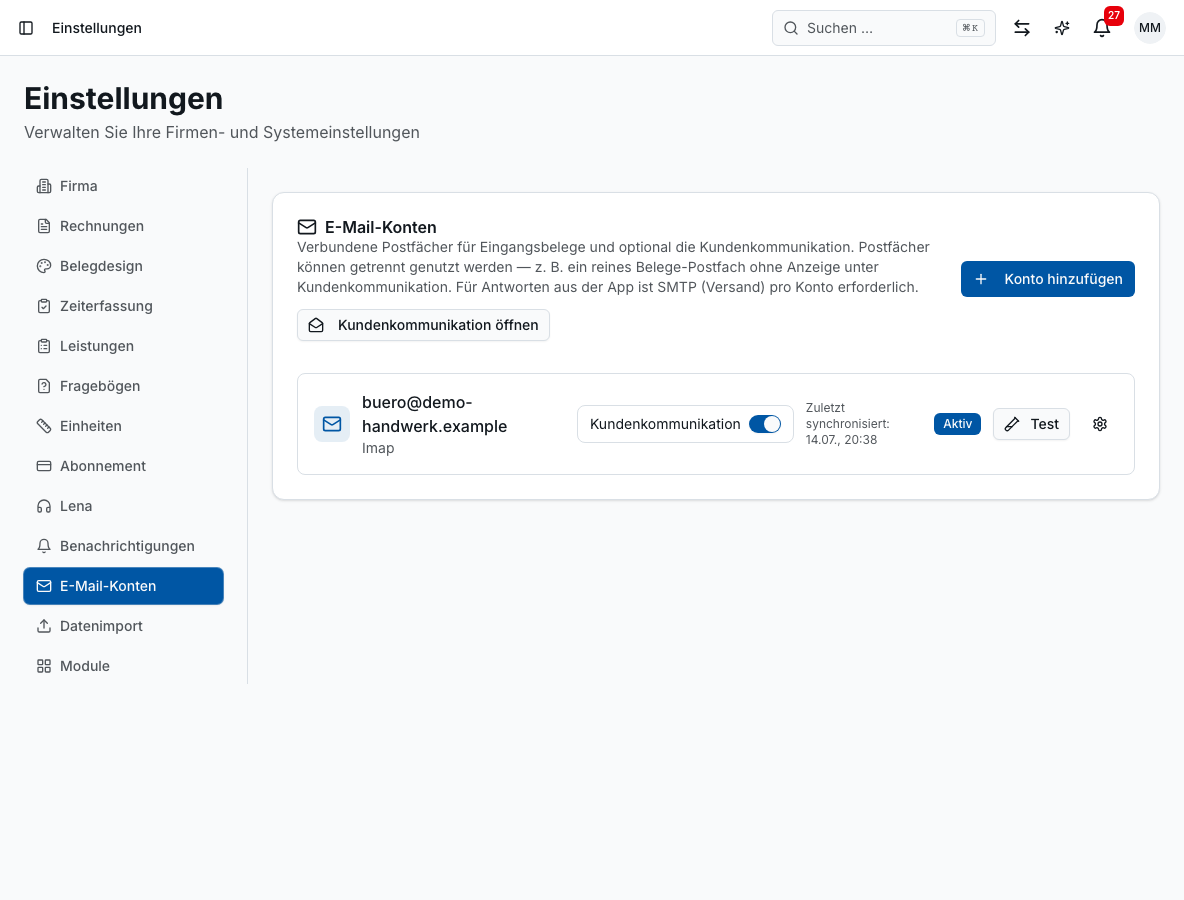
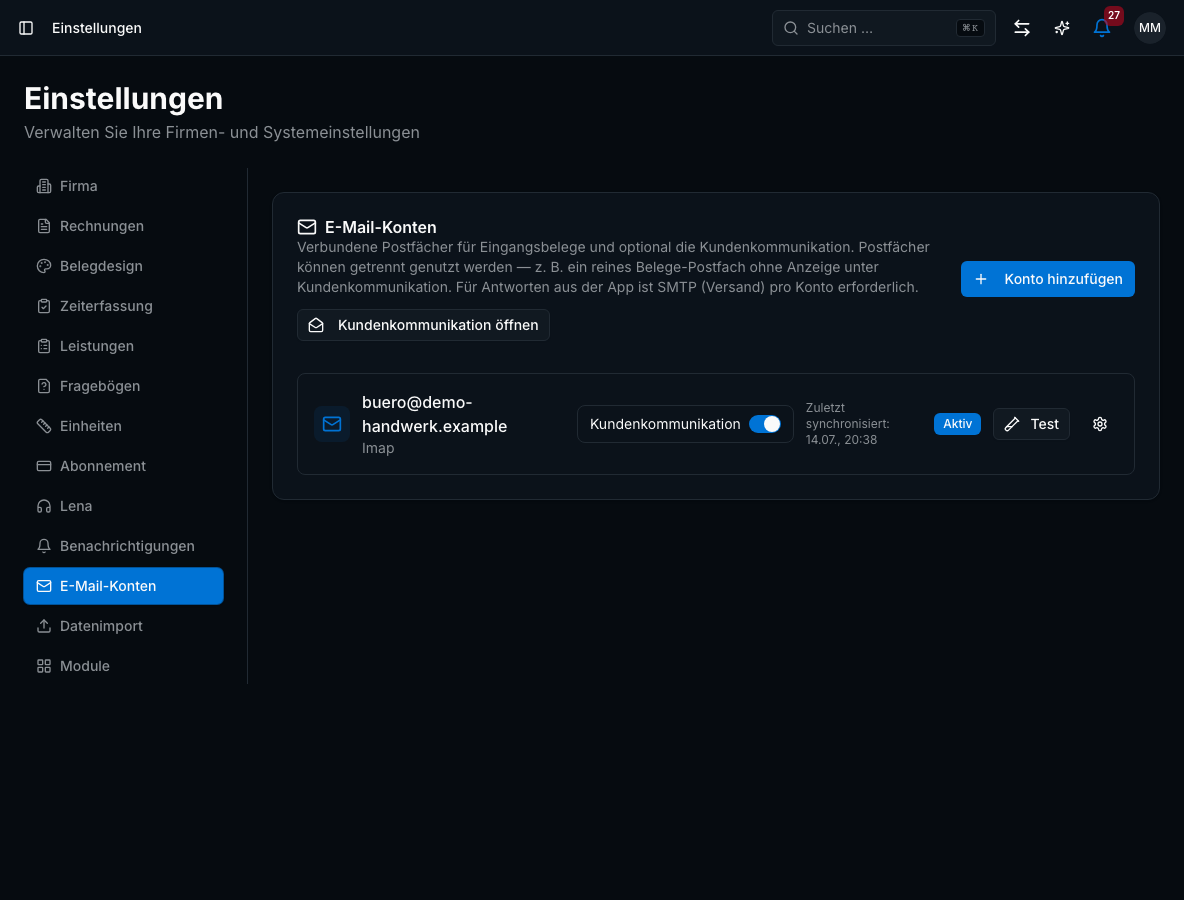
Connect your existing email account with one click. Bleno synchronises your business emails automatically – securely via OAuth, without your password. When connecting, you decide what the mailbox is used for: customer communication, receipt intake or both.
- Gmail connection via OAuth
- Outlook/Microsoft 365 connection – shared mailboxes too, via Microsoft Graph, without IMAP/SMTP
- Other providers such as IONOS, Strato, Telekom/T-Online, GMX and WEB.DE from a list – just enter your address and password
- Choose what each mailbox is for and the date to import from
Emails in the project context
Assign emails to customers and projects – or write them straight from the project. That way you find every message again immediately, without searching through different mailboxes.
- Automatic customer assignment, project linked with one click
- Write emails directly from the project – project contact automatically in the To or CC field
- Attachments land in the customer communication and on the project
- Reply directly from Bleno, sent emails appear in your own Sent folder
Your quotes and invoices go out from your own mailbox
Bleno sends quotes, invoices and payment reminders via your connected mailbox – with your sender address and your signature. If an invoice does not arrive, you find out immediately instead of waiting for the payment.
- Documents sent via your own mailbox – customer replies come to you
- Email signature with your logo, placed wherever you like
- Delivery report: Bleno tells you when a quote or an invoice does not arrive
- Send again or mark as delivered by other means – no document is left lying around
- Check the spam risk of your company email (SPF, DKIM, DMARC) – with concrete advice
Benefits
Email integration: what it does for you
- No switching between programs
- All emails in the project context
- Documents go out from your own mailbox
- Delivery report when an invoice does not arrive
- Works with Gmail, Outlook & IMAP
- GDPR-compliant and secure
FAQ
Frequently asked questions
We currently support Gmail, Outlook/Microsoft 365 (shared mailboxes too, via Microsoft Graph) and all IMAP-capable email providers. For IONOS, Strato, Telekom/T-Online, GMX, WEB.DE and others, the server details are already stored – you choose the provider and only enter your address and password. You connect Gmail and Outlook via OAuth – Bleno never gets to see your password. For IMAP mailboxes, the access password is stored encrypted.
You decide which emails appear in Bleno. When connecting, you set what a mailbox is used for (customer communication, incoming invoices, or both) and from which date emails are imported.
Yes, you can answer and write emails directly from Bleno – from the project too. The email is sent via your own account, your customers see your usual sender address, and the email sits in your own Sent folder.
Bleno evaluates the delivery reports of your mailbox. If an invoice or a quote cannot be delivered, you see this directly on the document and can send it again or – if you have sorted it out by post or by phone – mark it as delivered by other means. In addition, Bleno checks whether your company domain (SPF, DKIM, DMARC) is set up correctly so that your emails do not end up in spam.
Matching features
These features work hand in hand in your daily work. You'll find all the others in the overview.
Quotes & invoices
Create professional quotes, order confirmations and invoices in minutes.
Learn more – Quotes & invoices →Incoming invoices
Supplier invoices and delivery notes recognised by AI and assigned to the right project.
Learn more – Incoming invoices →Ready to get started?
Try Bleno free for 14 days, with no obligation. No credit card required.