Materials & inventory – stock and costs under control
Know what was installed, what is in stock and what needs reordering: from the item catalogue to recording on site to cost control – all in one system.
Recording material on site
Your employees record the material used directly on site in the employee app. That way no more material gets “lost” that you could actually have charged for.
- Mobile material recording directly on the project
- Book withdrawals from the warehouse or vehicle to the project via QR scan
- Report material needs from the site – the office sees all needs in one place
- Immediately visible in the project and in job costing
Master data & prices
Maintain your material master data centrally with prices and suppliers. When material is recorded, the right price is applied automatically.
- Central material master data
- Price management with purchase and selling price
- Link to suppliers
- Item descriptions that appear in the quote and in material lists
Cost tracking
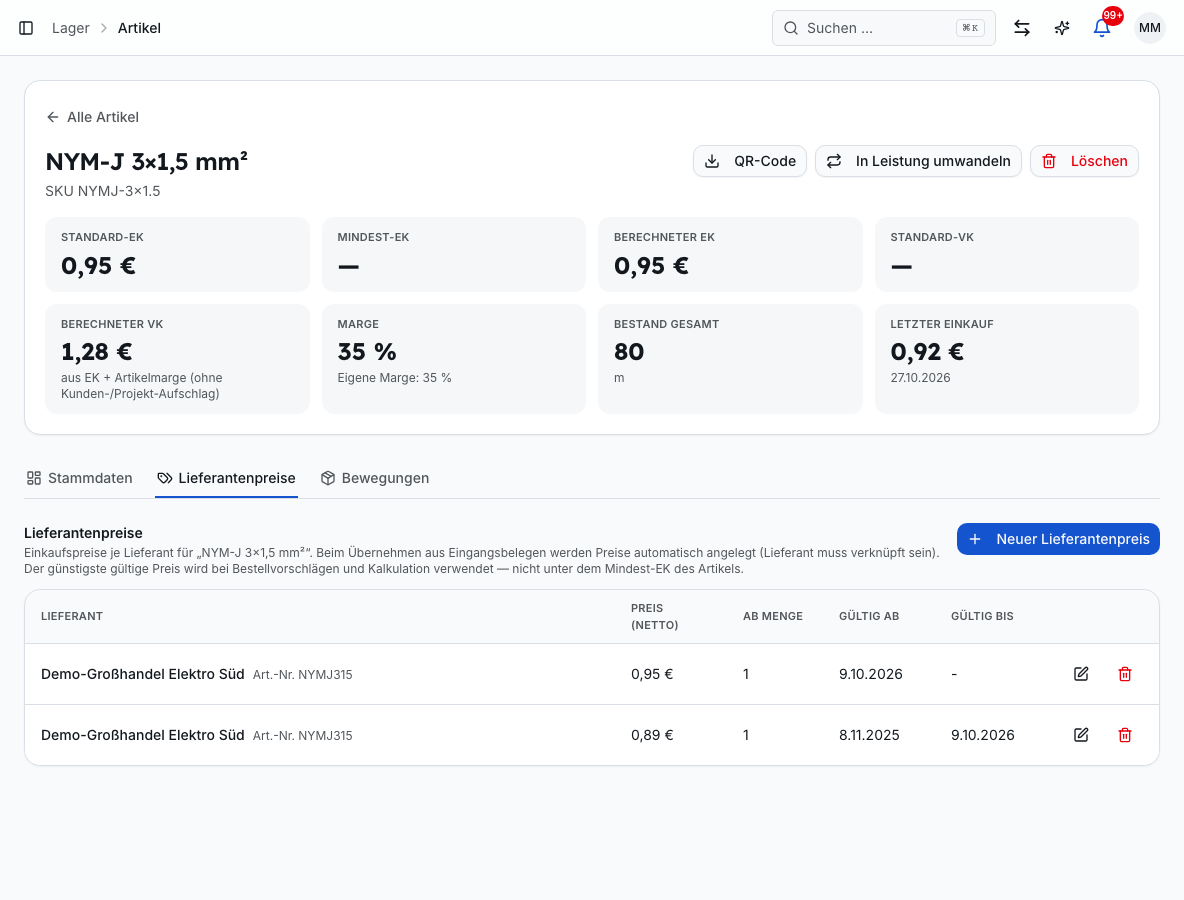
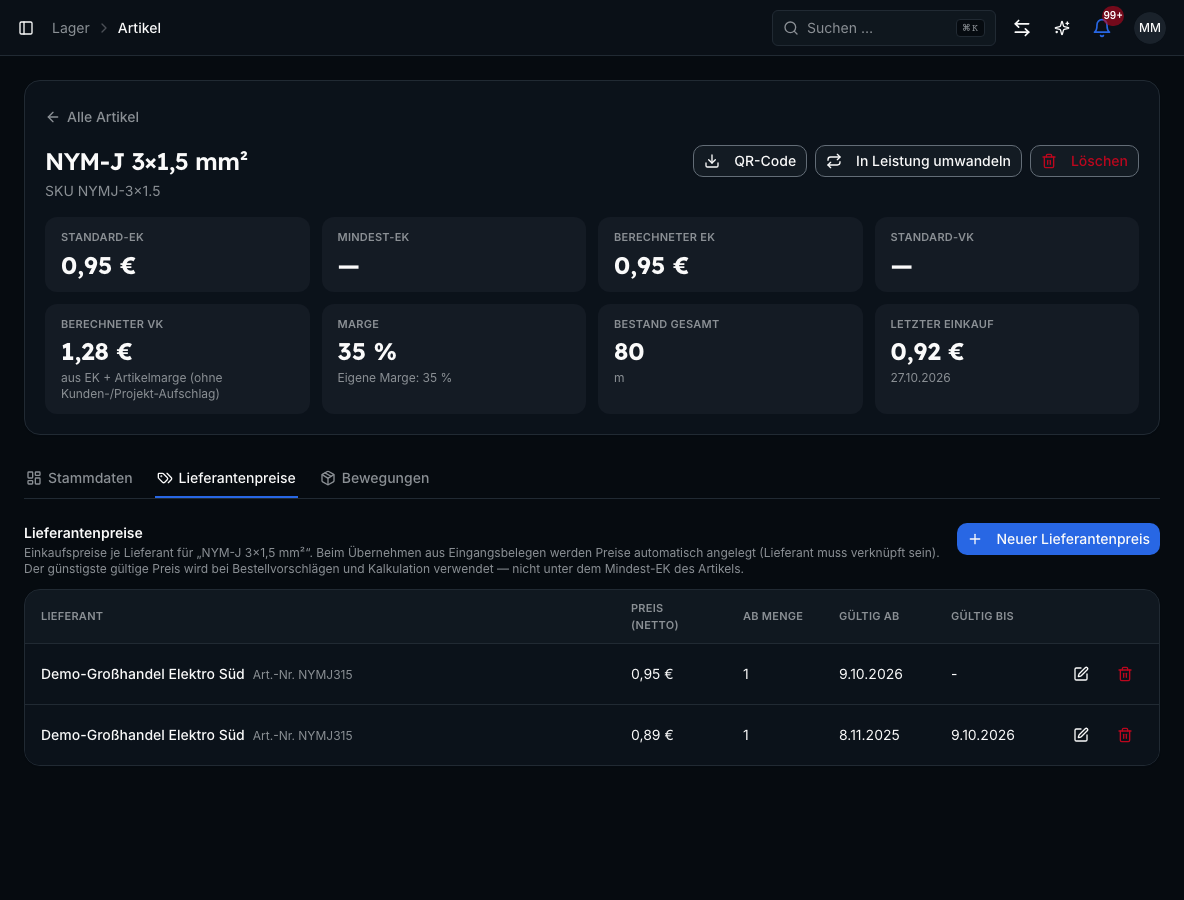
Keep an eye on the material costs per project. Material from incoming documents is automatically linked to the item catalogue and flows into the project calculation – if the price differs, Bleno points it out when you book.
- Project-based material costs, document material automatically linked to the item catalogue
- Accept the new purchase price when posting; offset supplier credit notes against stock
- Transfer of costs into invoices and an overview for job costing
- Reassign material to another project even after posting
Warehouse and vehicle stock with QR scanning
Keep stock per warehouse, service vehicle or site – and see at any time where which material is. You print QR labels directly from Bleno and scan them with your phone camera. Every receipt and withdrawal is logged: you know who took what and when.
- Locations: warehouse, vehicle, site – with transfers between locations
- Print QR labels, scan with the phone camera – EAN barcodes too
- Employees only see and book the vehicle stock assigned to them
- Complete movement log: receipt, withdrawal, transfer, correction
- Stocktaking per location by scanning, deviations from the system stock are written off
- Items & catalogues and stock kept apart: master data in one place, stock levels, locations and movements in the warehouse – with links between the two
- In the employee app under “My stock”: stock of their own warehouses, such as their own vehicle – readable offline too (last saved state), with search and a “low” marker at the reorder point
Loading list from the quote
From the accepted quote, Bleno creates the loading list for the site: articles directly, services via their bill of materials including waste. The material is reserved in the warehouse, your team ticks items off while loading – and the withdrawal is booked automatically. Never again on site without the right material.
- Loading list from the quote with one click
- Bills of materials of services are broken down into the material required – including waste
- Material is reserved while packing
- Ticking off while loading books the withdrawal automatically
Central item catalogue with purchase prices
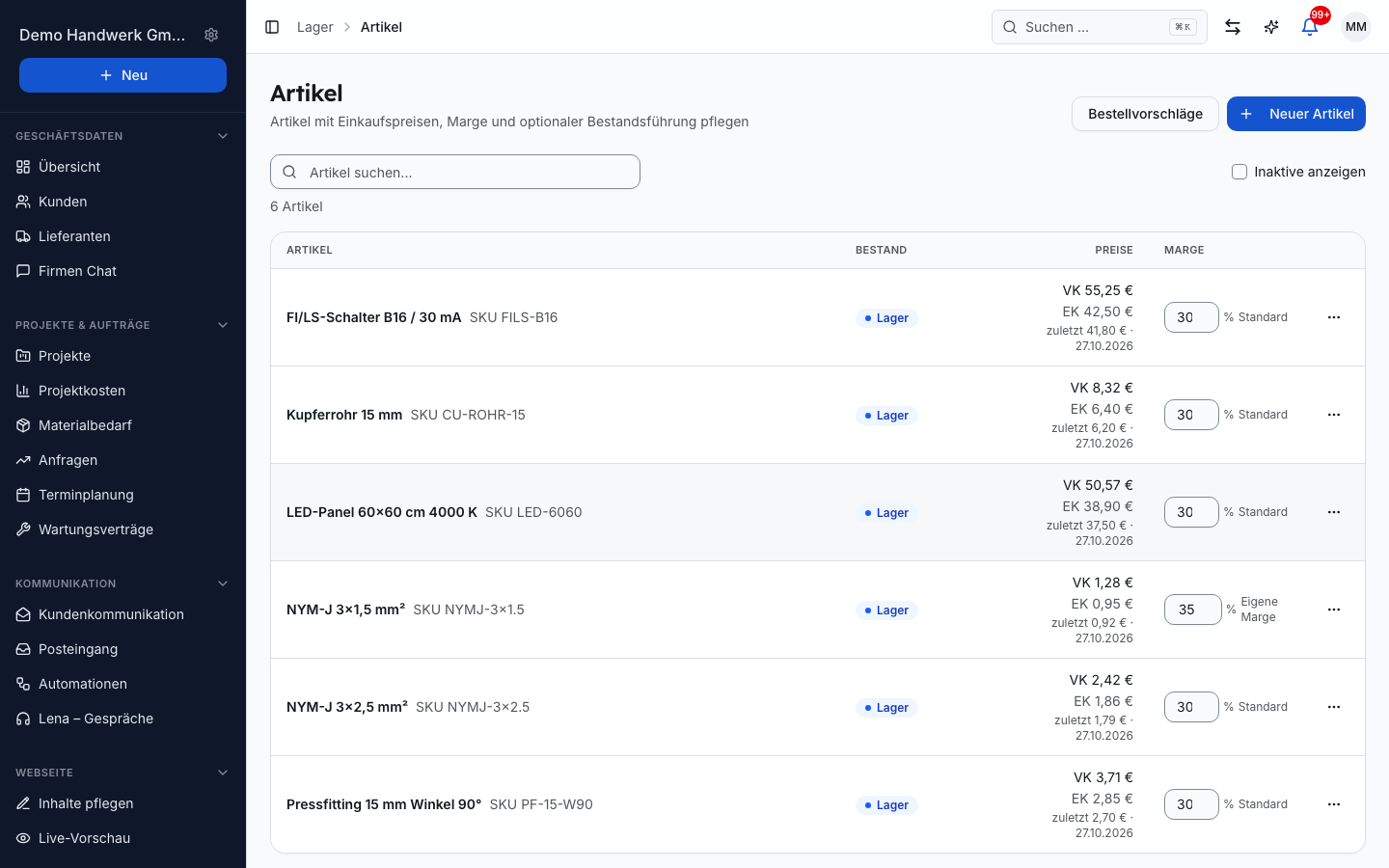
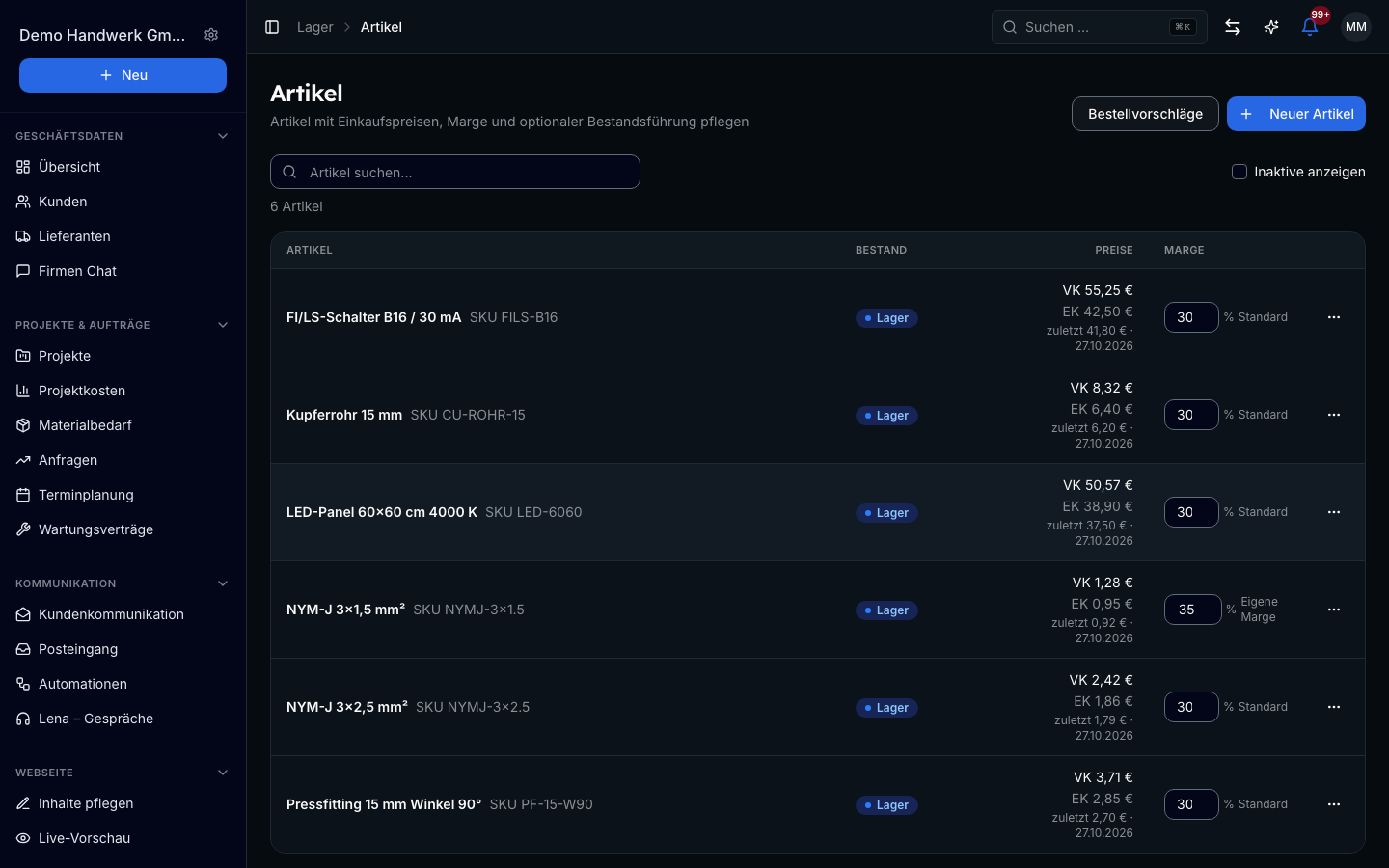
All materials in one place – with purchase prices per supplier (including quantity tiers and validity) and a last purchase price that is updated automatically. Catalogue items from a quote are added to your item list automatically.
- One item catalogue for all materials
- Purchase prices per supplier (tiers & validity)
- Last purchase price updated automatically
- Catalogue import in DATANORM, the German wholesale format (also directly as articles)
Stock & order suggestions
Optionally keep stock per item. If an item falls below its reorder point, Bleno suggests reordering with quantity, supplier and purchase price – grouped by supplier, exportable as CSV or directly in the supplier's web shop (IDS-Connect).
- Optional stock tracking per item
- Notification as soon as an item falls below its reorder point
- Order suggestions at the reorder level
- Grouped by supplier, CSV export & printing
- Jump to the web shop via IDS-Connect
Benefits
Materials & inventory: what it does for you
- No more forgotten material on the invoice
- Always know what is in the warehouse and in the van
- No idle time on site because of missing material
- Current material costs per project
- Stocktaking by phone instead of clipboard
- Reorder before it runs short
FAQ
Frequently asked questions
Yes, your employees can record materials directly on site via the mobile app. The data is assigned to the project and is immediately available in the system.
Yes. Each vehicle becomes its own stock location. Employees only see the vehicles assigned to them and book withdrawals directly to the project via QR scan. Stock is replenished by transfer from the main warehouse.
No. Scanning is done with the camera of a smartphone or tablet – QR labels from Bleno as well as the EAN barcodes on the manufacturer's packaging. You print the labels directly from Bleno on normal paper or label sheets.
Recorded materials with prices from the master data can be transferred directly into invoices and billing. That saves you time and reduces errors.
Yes, you maintain your materials with name, unit and price in the master data. When material is recorded, these are suggested automatically.
Matching features
These features work hand in hand in your daily work. You'll find all the others in the overview.
Suppliers
Suppliers with contacts, price lists and all invoices in one place.
Learn more – Suppliers →Incoming invoices
Supplier invoices and delivery notes recognised by AI and assigned to the right project.
Learn more – Incoming invoices →Job costing
Compare actual costs with your quote and see the margin of every project.
Learn more – Job costing →Site documentation
Daily reports, acceptance reports and photos – filed directly on the project.
Learn more – Site documentation →Ready to get started?
Try Bleno free for 14 days, with no obligation. No credit card required.