Project management – everything about the job in one place
Where was that email from the architect again? Who has the photos of the bathroom? How many hours have already gone into it? In Bleno, every job has a project file – with everything that belongs to it. You find what you are looking for in seconds and can see at any time whether the project is still within budget.
The overview tells you where things stand
On the first page of every project you see key figures, the cost progression and the planned-versus-actual comparison, the latest documents, upcoming appointments and the latest working days. That way you spot early when a job is getting out of hand – not only at the final invoice.
- Key figures and cost progression as a chart
- Planned-versus-actual comparison and job costing right in the project
- Latest documents, appointments and working days at a glance
- Edit the project description directly in the overview
Everything about the job – in one file
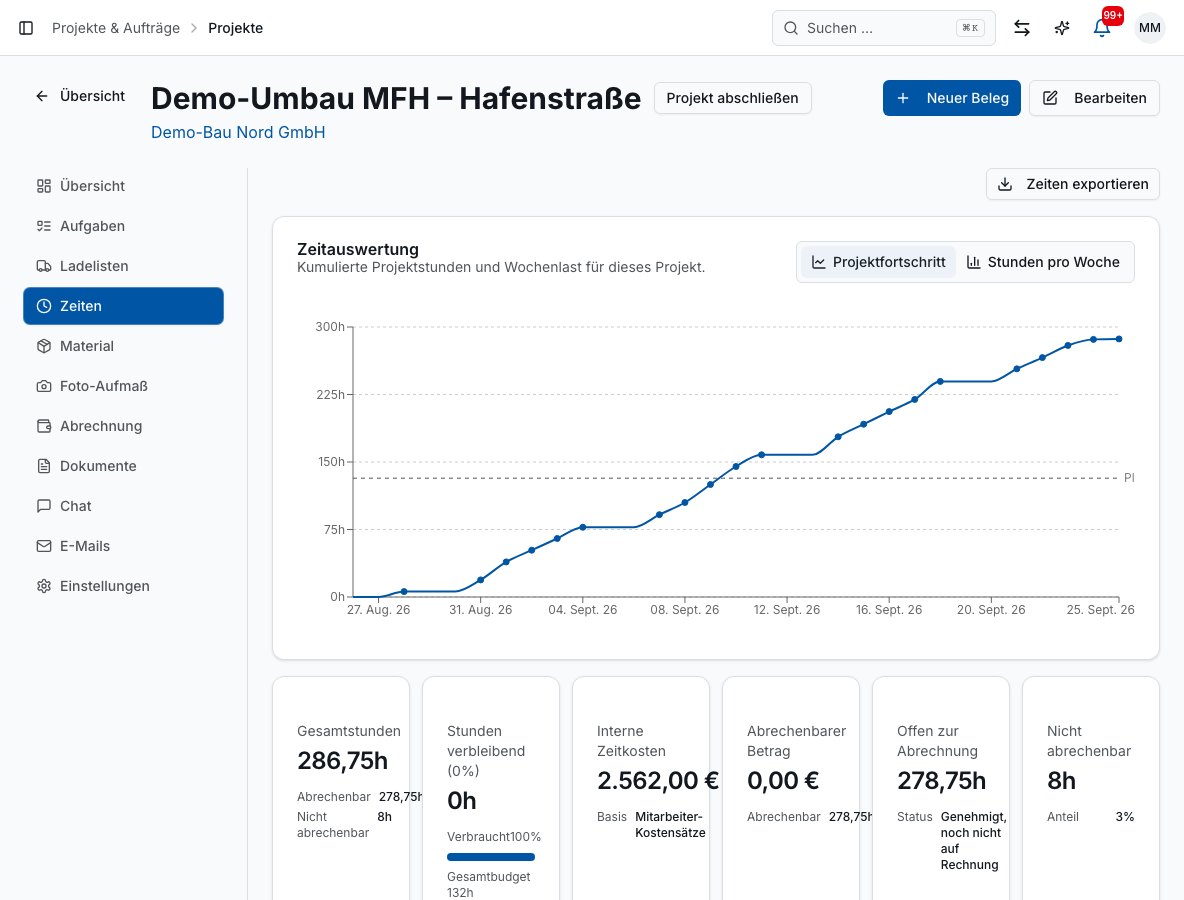
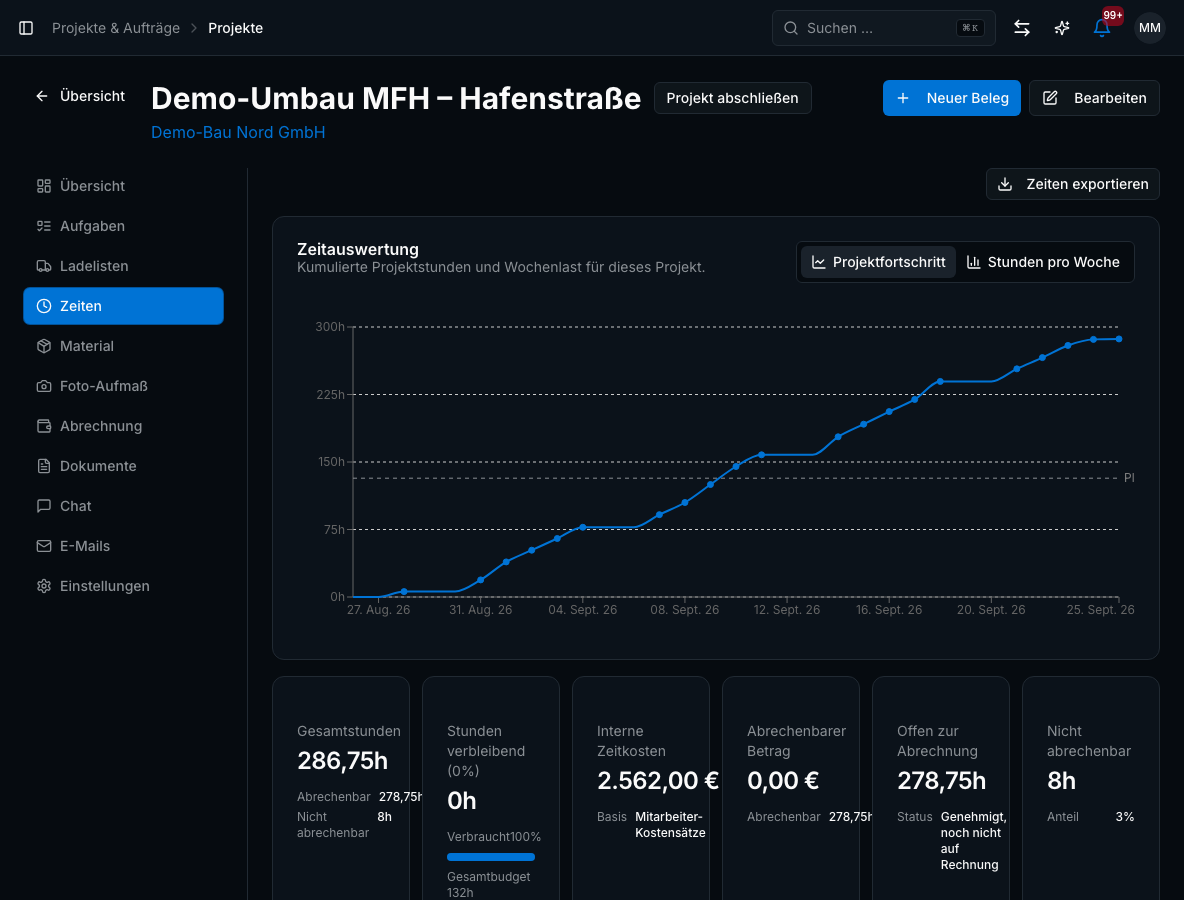
Tasks, times, material, loading lists, 3D & scans, billing, documents, chat and emails each have their own tab. Nothing is scattered across inboxes, phones and folders any more.
- Tasks with a deadline for employees or customers – with push notification
- Times with reports and timesheets as PDF or CSV
- Material, material requests from employees and loading lists
- Documents and photos with a category – share each one individually in the customer portal
- All emails about the project; replies automatically land back here
Communication straight from the project
Send several project documents to the customer, architect or follow-on trade with one click – or write a letter on your letterhead. Every dispatch is logged on the project.
- Several contacts and companies per project, e.g. architect or property management
- The contact for documents automatically appears in the address field
- Send documents by email, with contacts suggested as CC
- Letters on your letterhead straight from the project
Suited to every kind of job
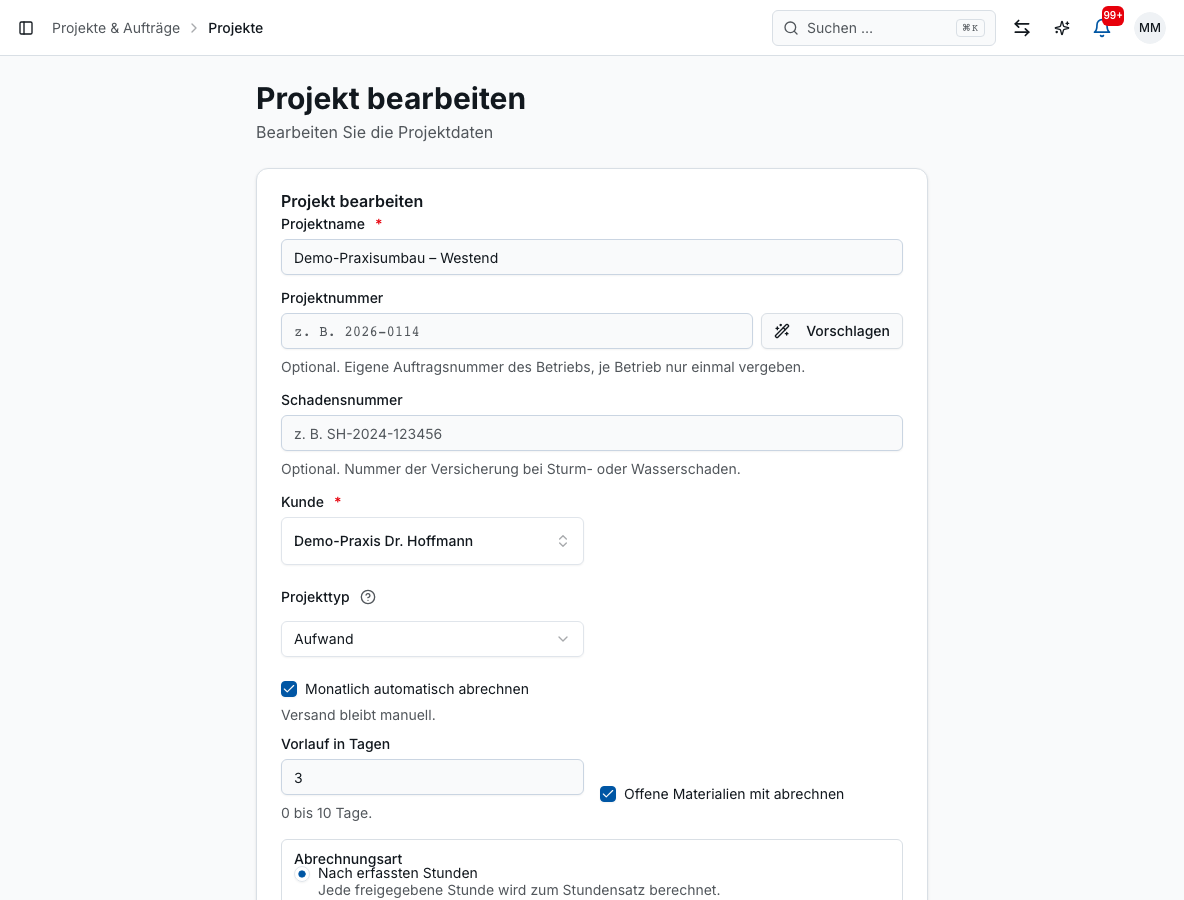
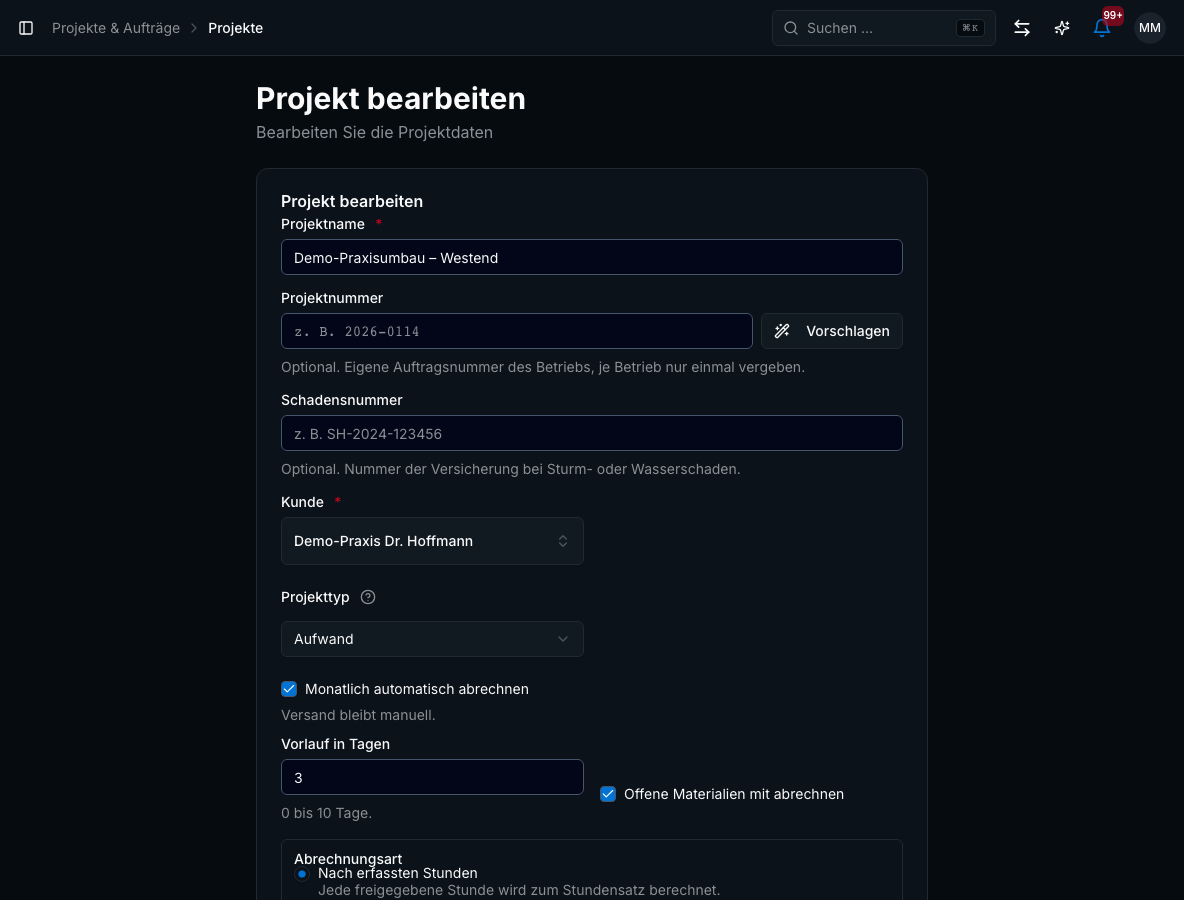
Whether fixed price, hourly billing or internal work: you choose the project type when you create it, and Bleno calculates accordingly. For monthly flat rates, Bleno keeps an hours account across all months.
- Project types: time and materials, fixed price (optionally with a budget), non-billable
- Unique project number – in planning, time tracking and on all documents
- Claim number for insurance cases, automatically on quote and invoice
- Hours balance showing over- and under-use for monthly flat-rate jobs
Keep track of all projects
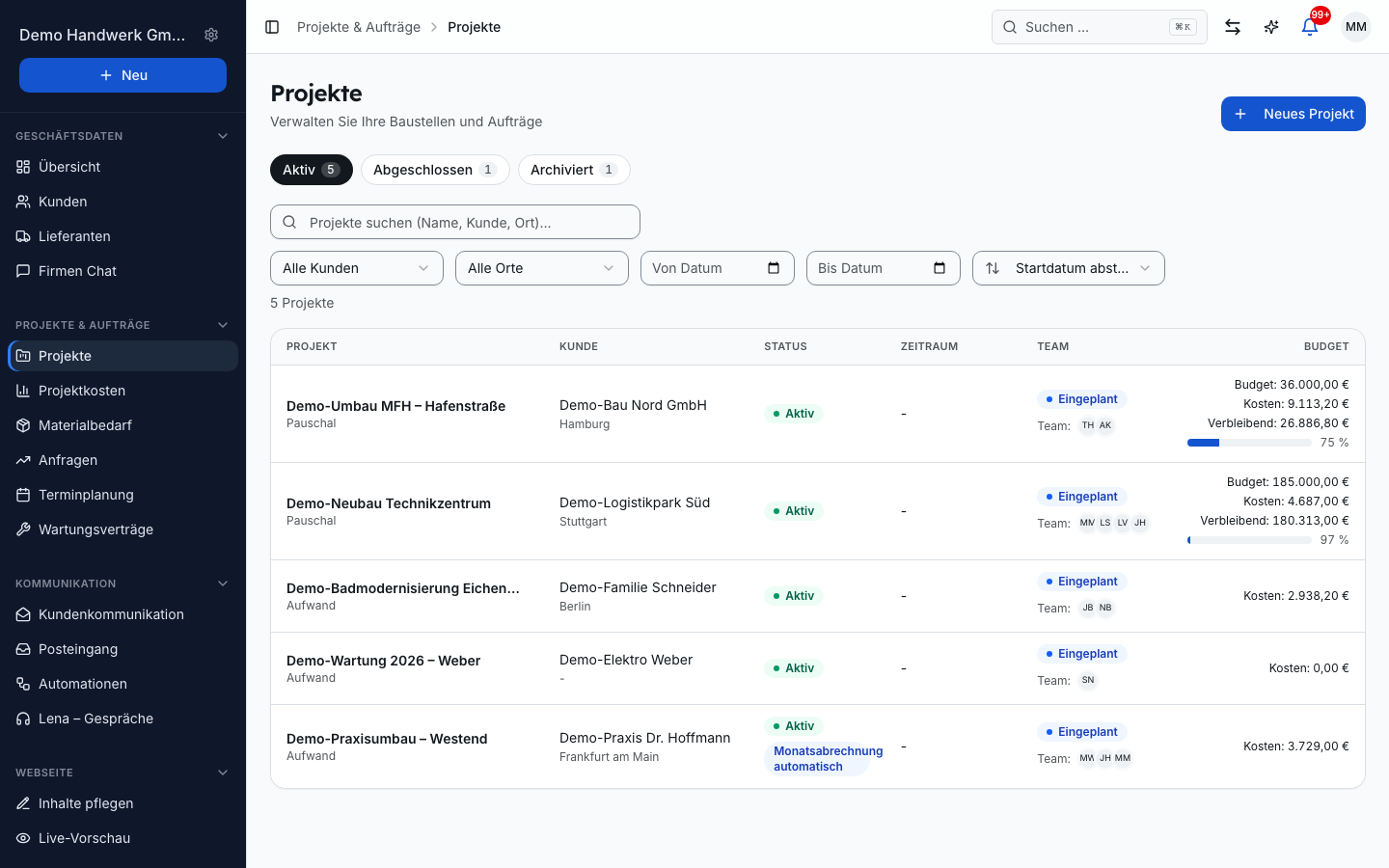
The project list shows active, completed and archived projects. You search by project or customer and filter by customer, location and period. An enquiry becomes a project with one click.
- Status: active, completed, archived – phases upcoming, ongoing, completed
- Search by project and customer name, filter by customer, location and date
- Turn an enquiry into a project with one click
- Employees only see the projects they have been given access to
Benefits
Project management: what it does for you
- Never search for paperwork again
- Spot early when a job is becoming unprofitable
- Office and site working from the same information
- Every email and every photo on the right project
- Fewer queries from customers and employees
- Billed cleanly – whether fixed price or hours
FAQ
Frequently asked questions
Overview with costs and key figures, tasks, times, material and loading lists, 3D & scans, billing, documents and photos, project chat and all emails about the project. Plus contacts such as the architect or property management, and the settings for which employees have access.
Yes. When you create a project, you choose “Aufwand” (time and materials), “Pauschal” (fixed price, optionally with a budget) or the non-billable type. Time-and-materials projects can also be billed as a monthly flat rate with an hours account – extra and shortfall hours then appear on the invoice.
Only what you release. Every document and every photo can be released to or blocked from the customer portal individually. Everything else stays internal.
Through the email integration: you connect your mailbox, and Bleno automatically assigns emails to the right project. What you send from the project is logged there, and replies land back on the project.
Matching features
These features work hand in hand in your daily work. You'll find all the others in the overview.
Scheduling
Plan jobs, crews and absences on one board – with weather and capacity in view.
Learn more – Scheduling →Job costing
Compare actual costs with your quote and see the margin of every project.
Learn more – Job costing →Site documentation
Daily reports, acceptance reports and photos – filed directly on the project.
Learn more – Site documentation →Email integration
Connect Gmail, Outlook or IMAP and work with emails in the context of the project.
Learn more – Email integration →Employee app
Daily plan, time tracking, documents, materials and chat on your team's phones.
Learn more – Employee app →Project leads
Employees run their own projects – from scheduling to invoicing, without admin rights and without access to bank or accounting.
Learn more – Project leads →Ready to get started?
Try Bleno free for 14 days, with no obligation. No credit card required.