Automatic bank reconciliation – assign payments, pay directly
Connect your bank account securely via open banking and see immediately which invoices have been paid. You pay supplier invoices on the due date directly from Bleno – by bank transfer or SEPA file. Less manual work, full control over your finances.
Automatic payment matching
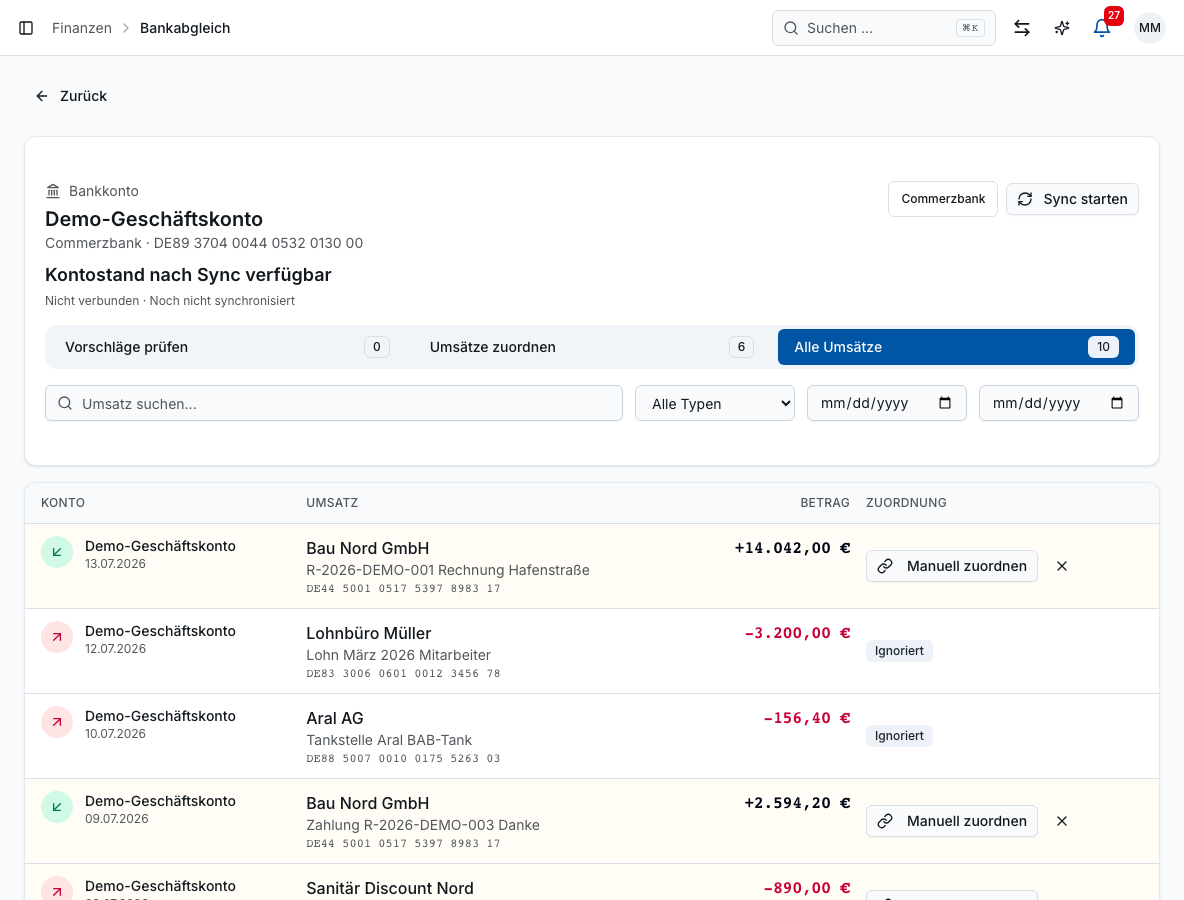
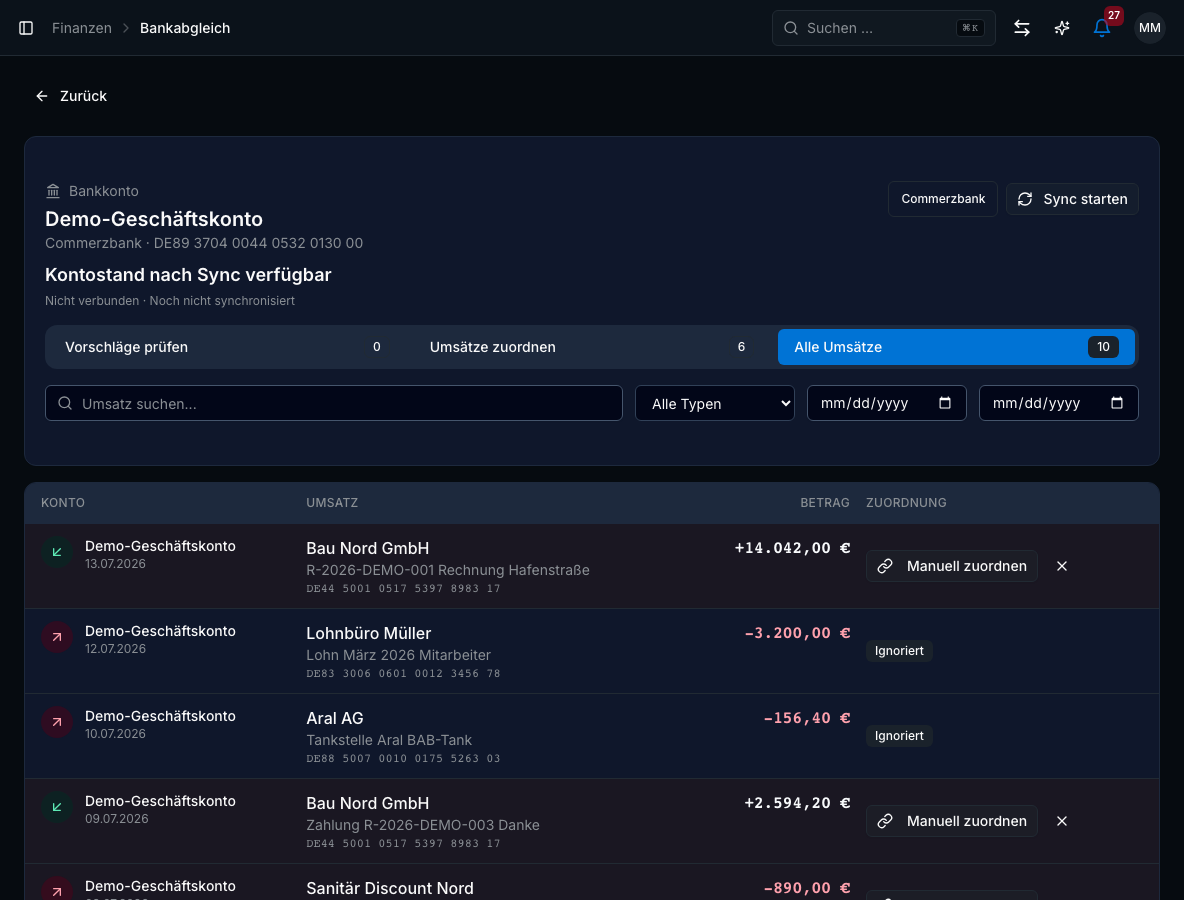
Bleno matches every account transaction against your open invoices – using the invoice number in the payment reference, the amount, the IBAN and the payer or payee. See all account transactions with payer or payee, payment reference and status. Unassigned incoming payments are marked directly and can be edited from the list.
- List of all income and expenditure
- Filter for open assignments and confirmed matches
- Match manually straight from the list
- CSV import or bank sync as data source
Select an invoice manually
If a payment has not been assigned unambiguously automatically, you open the dialog and select the matching open invoice by invoice number or customer.
- Automatic preselection from the payment reference
- Search by invoice number, customer or supplier
- Amount and payer/payee at a glance
- Save the assignment with one click
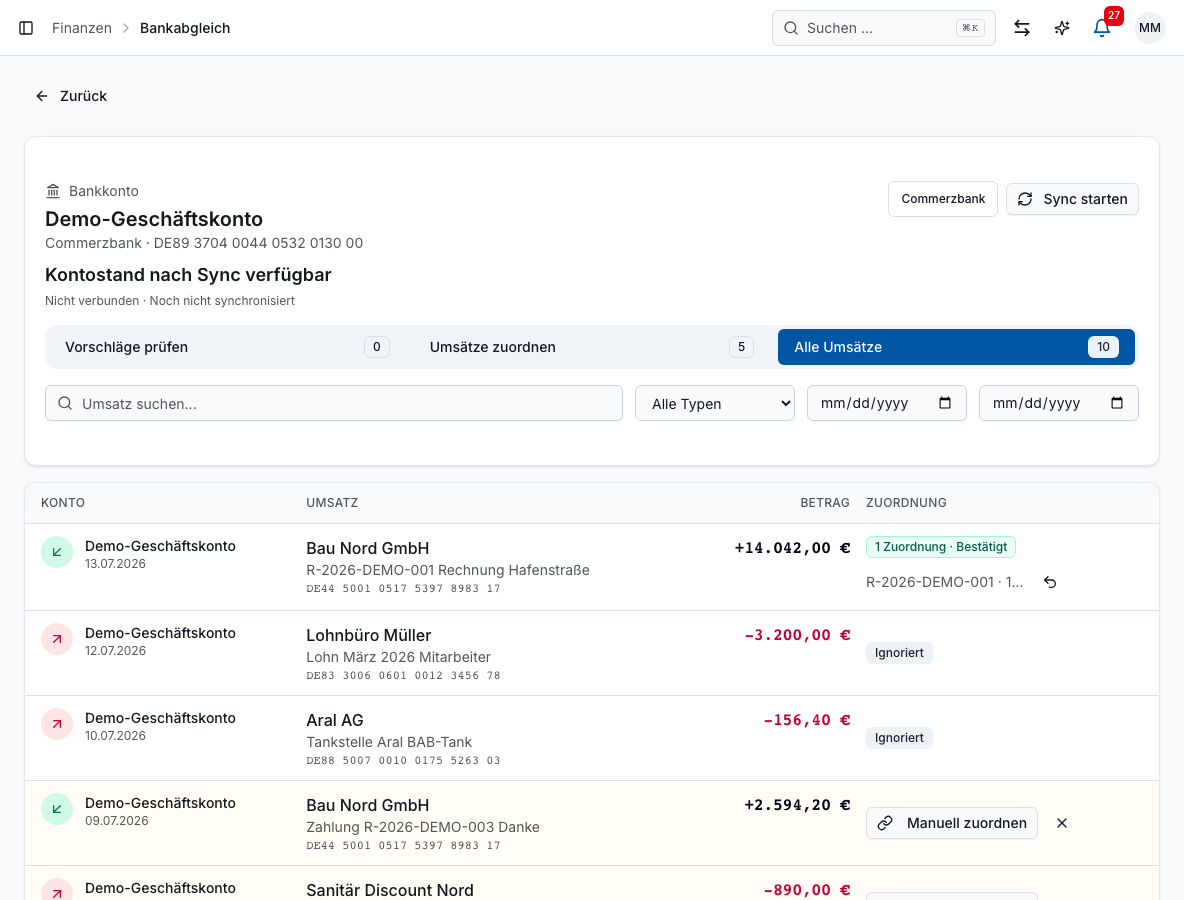
Assignment confirmed
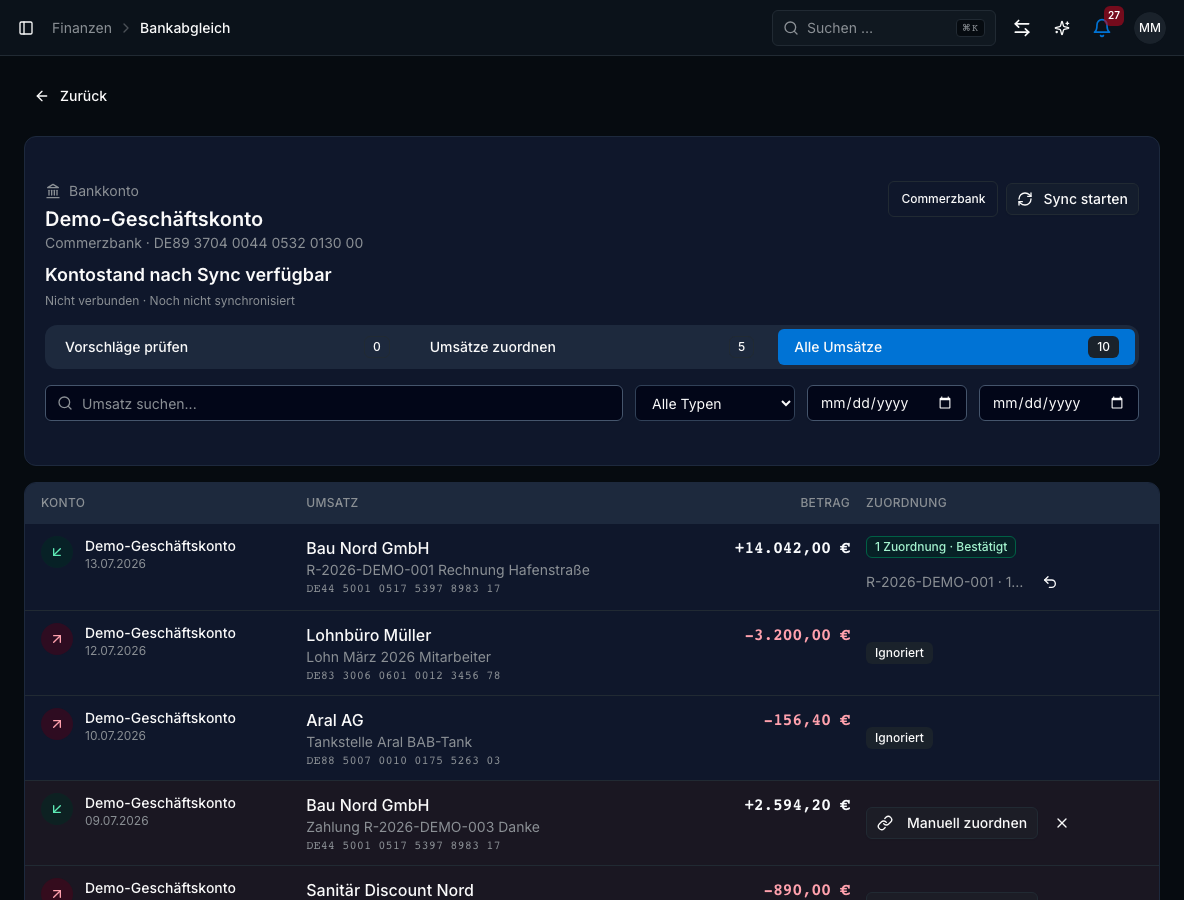
After the assignment, Bleno shows the confirmed match directly on the transaction. The invoice is marked as paid and open items stay up to date.
- Confirmed assignment status
- Linked invoice number and amount
- Automatic payment booking on the document
- Less manual upkeep of open items
Pay supplier invoices directly from Bleno
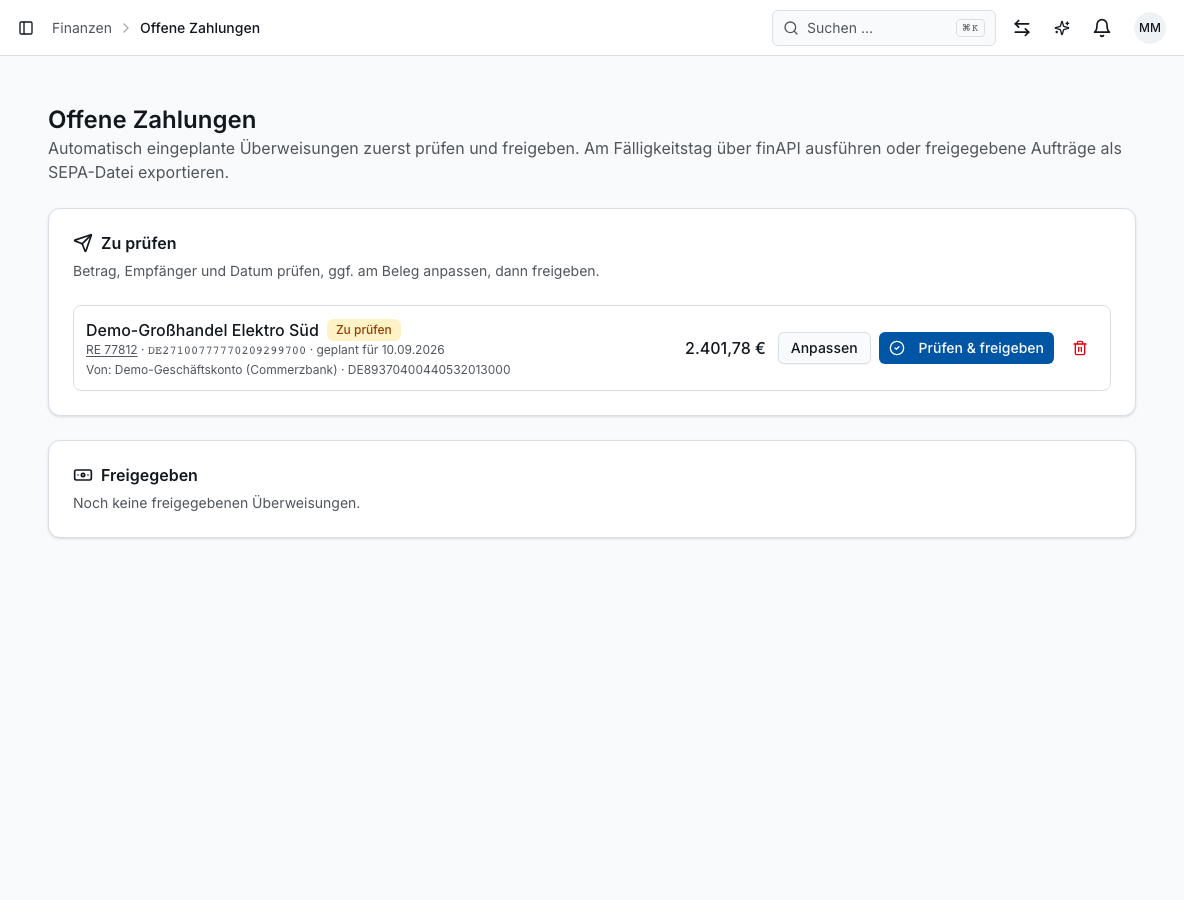
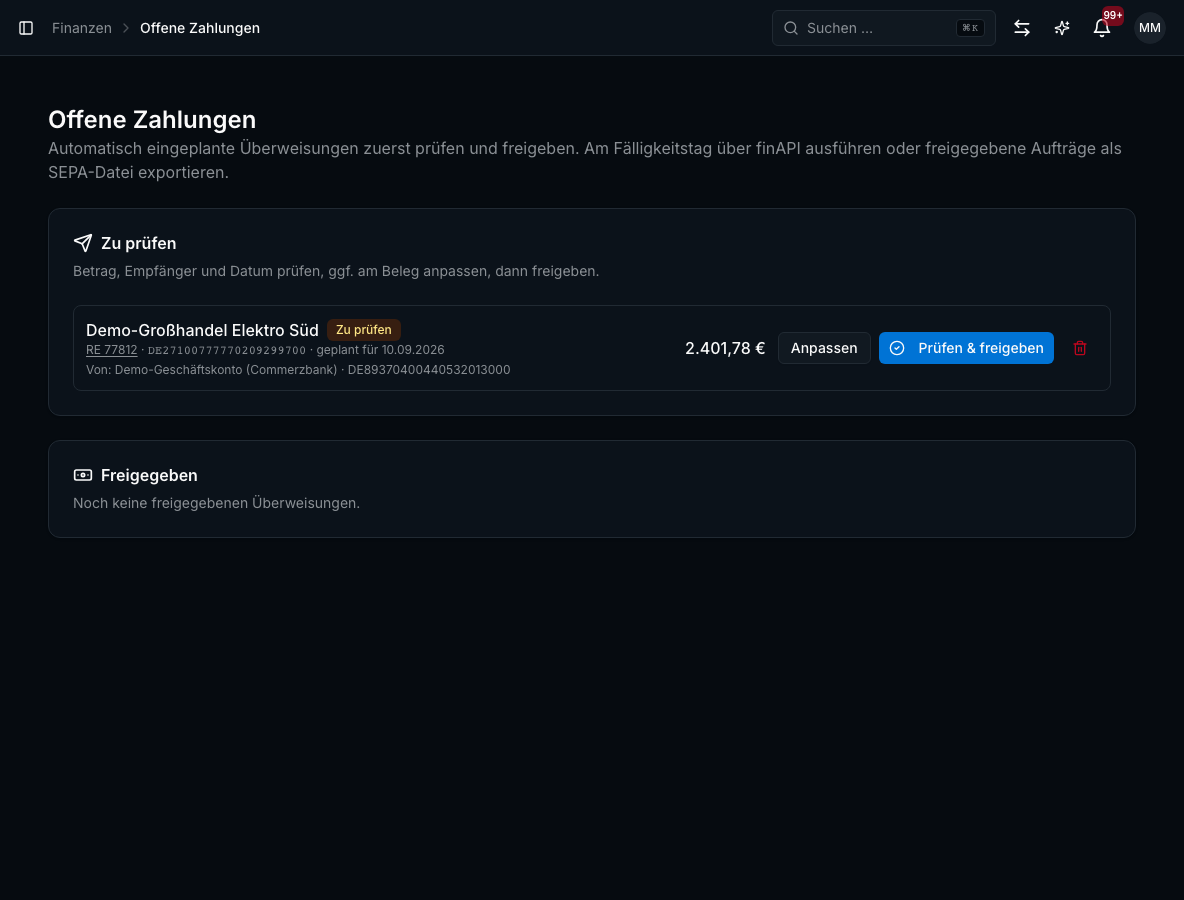
Every supplier invoice you record automatically becomes a scheduled payment – with due date and early-payment discount deadline. Under “Open payments” you check, approve, and Bleno transfers on the due date via your bank connection. Without an online banking connection, you export a SEPA file for your banking.
- Payments automatically scheduled from incoming documents – early-payment discount deadlines in view
- Approve and transfer on the due date via finAPI (with bank approval/SCA)
- Alternatively export SEPA XML – exported transfers are booked automatically
- IBAN checked before payment; credit notes are offset first
- Four-eyes principle: every transfer needs approval from a second person
Connect your bank account securely
Connect your business account via a PSD2-certified interface. All German and Austrian banks are supported: Sparkasse, Volksbank, Commerzbank, Deutsche Bank, ING, DKB, N26 and over 4,000 more. If the authorisation expires or retrieval stalls, Bleno tells you in good time.
- PSD2-certified & regulated by BaFin, the German financial supervisory authority
- German and Austrian banks supported
- Bank data is not stored with us
- Secure connection via finAPI (owned by the German credit agency Schufa) – renew authorisation in a few clicks
Open items in view
See at a glance which invoices are still open, which have already been paid and where action is needed. You decide in levels how much Bleno books by itself – you only check the exceptions.
- Automatic booking in levels: off, only certain matches, probable matches too, or learned merchants too
- Bleno assigns invoices in foreign currencies by itself, and anything booked automatically can be undone at any time
- Filter by assigned / open / ignored, document preview directly in the suggestion
- “Missing documents per month”: transactions for which a document is still missing – if you wish, as a list by email every Monday
- Overview of all accounts with bank logos
CSV import as a fallback
No online banking? No problem. Simply upload bank statements as a CSV file. Bleno automatically recognises common German bank formats – and statements from Swiss banks in the camt.053/camt.054 format.
- Sparkasse, Volksbank, Commerzbank, Deutsche Bank, ING
- Swiss banks such as UBS, PostFinance, Raiffeisen and the cantonal banks via camt.053/camt.054, QR references assigned automatically
- Automatic format recognition
- Duplicate protection on import
- Immediate reconciliation after import
Open items & dunning
Bleno automatically recognises which invoices are still open. You see late payers at a glance and send payment reminders and dunning letters in several stages with a few clicks – directly from the software.
- Open items overview in real time
- Reminders in several stages (from a friendly reminder to a final demand)
- Send dunning letters directly from Bleno
- Linked to automatic payment matching
Missing receipts? Bleno chases them
The most tedious work before the meeting with your tax adviser is chasing missing documents. For each month, Bleno shows which debits still have no receipt – with a traffic light that turns green as soon as the month is complete. If an invoice is missing, Bleno drafts the request to the supplier; you send it with one click, and the reply is assigned automatically.
- Monthly traffic light with the statuses: open, expected by email, to fetch from portal, done
- “Request document”: ready-made email to the supplier, reply is recognised automatically
- Receipt rules: payments to the tax office need no receipt, and rent is covered by the tenancy agreement on file
- Bleno recognises your fixed costs and suggests matching rules
- Store portals for invoices nobody sends – Telekom, Amazon Business, fuel card and more
Benefits
Bank reconciliation: what it does for you
- Time saved through automatic assignment
- Fewer errors in payment matching
- Better overview of cash flow
- Faster dunning thanks to immediate payment recognition
- Pay supplier invoices directly from Bleno
- Secure bank connection (PSD2, regulated by the German financial supervisor BaFin)
- Seamless integration with DATEV export for Germany
FAQ
Frequently asked questions
Bleno first looks for the invoice number in the payment reference. If it is missing, Bleno compares the exact amount with the IBAN or name of the payer or payee; combined payments covering several invoices are recognised too. Bleno never assigns anything automatically on the amount alone – unclear payments are suggested by Bleno, and you confirm with one click.
Yes. The connection runs via finAPI, an account information service provider (AISP) regulated by BaFin, the German financial supervisory authority, and owned by Schufa. Your bank login details are not stored with Bleno. All communication is PSD2-compliant and encrypted.
Over 4,000 German banks, including all Sparkassen, Volksbanken/Raiffeisen, Commerzbank, Deutsche Bank, ING, DKB, Postbank, N26 and many more. Practically every bank with online banking is supported.
Under the PSD2 regulation, access generally has to be renewed every 180 days (your bank sets the exact term). If access expires, you reconnect the account in a few clicks – existing transactions and assignments are kept.
Yes. You can export bank statements as a CSV file from your online banking and upload them to Bleno, and Swiss statements as camt.053 or camt.054. Automatic matching works in exactly the same way – only the retrieval is then manual.
Bank reconciliation is included in all Bleno plans. There are no additional costs for the bank connection.
Yes. Booked incoming documents are automatically scheduled as a payment. Under “Open payments” you approve, and Bleno carries out the transfer on the due date via your bank connected through finAPI – the approval (SCA) takes place at your bank. Alternatively, you export a SEPA XML file for your online banking; the exported transfers are booked automatically after retrieval.
Matching features
These features work hand in hand in your daily work. You'll find all the others in the overview.
Quotes & invoices
Create professional quotes, order confirmations and invoices in minutes.
Learn more – Quotes & invoices →Incoming invoices
Supplier invoices and delivery notes recognised by AI and assigned to the right project.
Learn more – Incoming invoices →E-invoicing
For businesses in Germany: create and receive e-invoices in ZUGFeRD and XRechnung format.
Learn more – E-invoicing →Ready to get started?
Try Bleno free for 14 days, with no obligation. No credit card required.