Time tracking for the trades – on site, on the move or by voice
Your employees record working time, holidays and bad-weather days with a few taps directly in the employee app – no more timesheets that are missing on Friday or illegible on Monday.
The app for your team – free on the App Store and Google Play
Digital time tracking in the app
Your employees record working time, holidays and bad-weather days with a few taps directly in the employee app – no more timesheets that are missing on Friday or illegible on Monday.
- Mobile time tracking with start/stop timer – today view with daily plan and quick actions
- Even without reception: timer and entries stay on the device and are transferred automatically as soon as there is a connection again
- Project assignment, break tracking, end times up to midnight
- Calendar and list view, search in working times
- Automatic reminder when an employee has forgotten to book their time
Record times by voice
Your team books working hours hands-free by voice command in their app language – “Today 5 hours on project Müller”. Asking for the weekly hours or undoing the last entry works by voice too. Ideal when your hands are full on site.
- Log time by voice command
- Name the project directly in the command
- Ask for weekly hours by voice
- Undo the last entry
- A dedicated AI allowance that grows with your number of users – manual entries are always unlimited
Time clock for the tablet – even without a smartphone
Not everyone on the team has a work phone – and not everyone wants the app on their private phone. Put a tablet up in the workshop, warehouse or site cabin: employees tap their name, choose the project and clock in or out. The times land immediately in the same time account as the app bookings.
- Pair a kiosk tablet in minutes – by code or QR in the settings
- Clock in and out with a tap, without login and without a device of your own
- Optionally with a personal 4-digit PIN per employee to prevent clocking in for colleagues
- An inexpensive Android tablet or iPad is enough – no expensive hardware time clock
Check, approve and add times
You stay in control without having to type up every entry: you check and approve booked times in bulk, and if something does not add up, the query goes straight to the employee with a reason. You copy paper timesheets into a weekly grid for several employees and days in a single form.
- Approve times or return them with a reason for rejection – the employee is notified
- Weekly grid: enter several employees' timesheets in one form
- Foremen can record time for their crew in the daily report
- Notices about break and maximum working time violations under the German Arbeitszeitgesetz (Working Hours Act) – for businesses in Austria under the AZG
- Live overview: who is clocked in right now and on which project – from the app, the time clock and temporary workers
Location when clocking in – only if you want it
If you want, Bleno records a single location when the timer starts and another when it stops in the app – nothing more: no continuous tracking, no movement profiles. Together with the time check, you see in “Review times” the distance to the site and a notice if someone clocked in further away than the threshold you set.
- Off by default – switch it on for everyone or only for selected employees
- Only one location point at start and one at stop, no continuous tracking
- Distance to the site with a map link, notice from an adjustable distance (default 1 km)
- Employees are informed before clocking in for the first time – anyone who declines permission still clocks in, just without location
- Automatic deletion, by default 90 days after approval – a sample text for your team is in the help section
- Clock-ins on the kiosk tablet never record a location
Managing absences
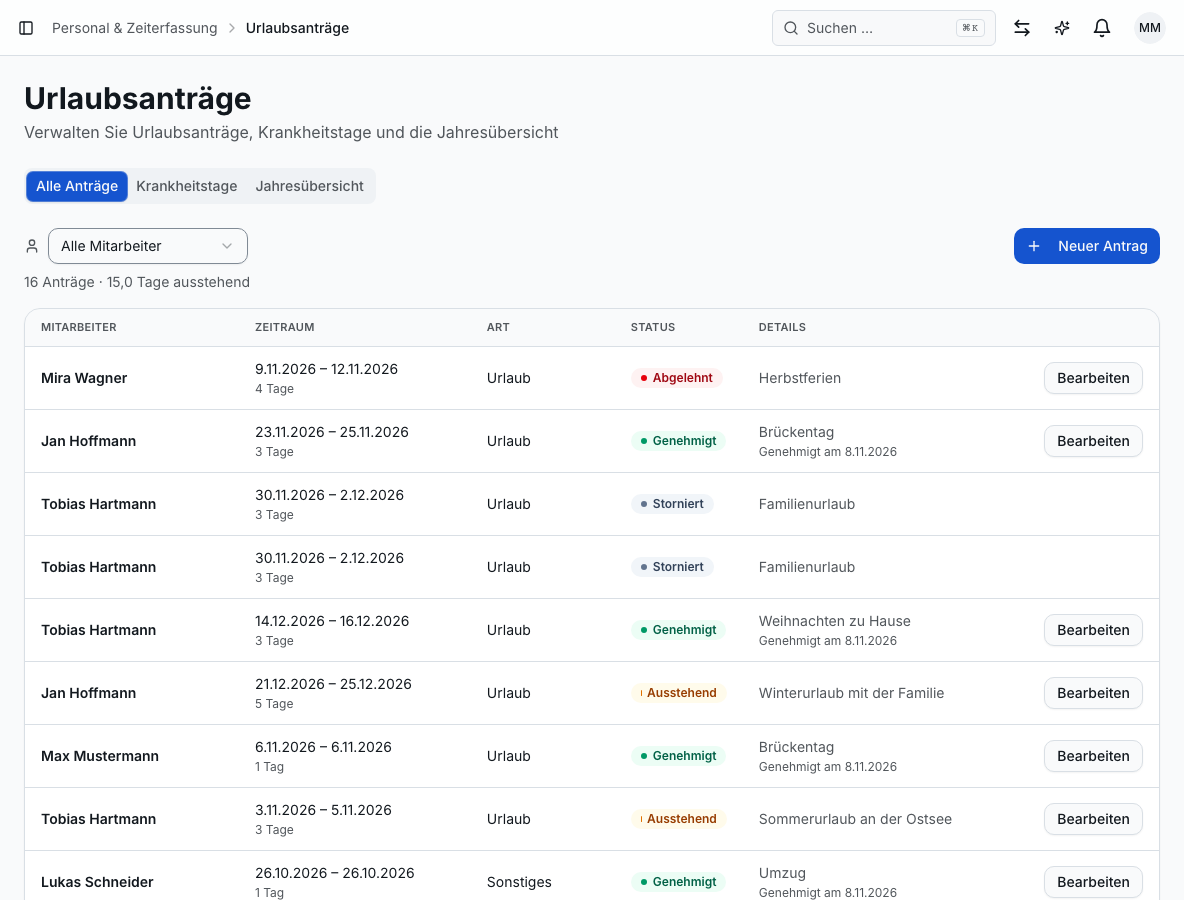
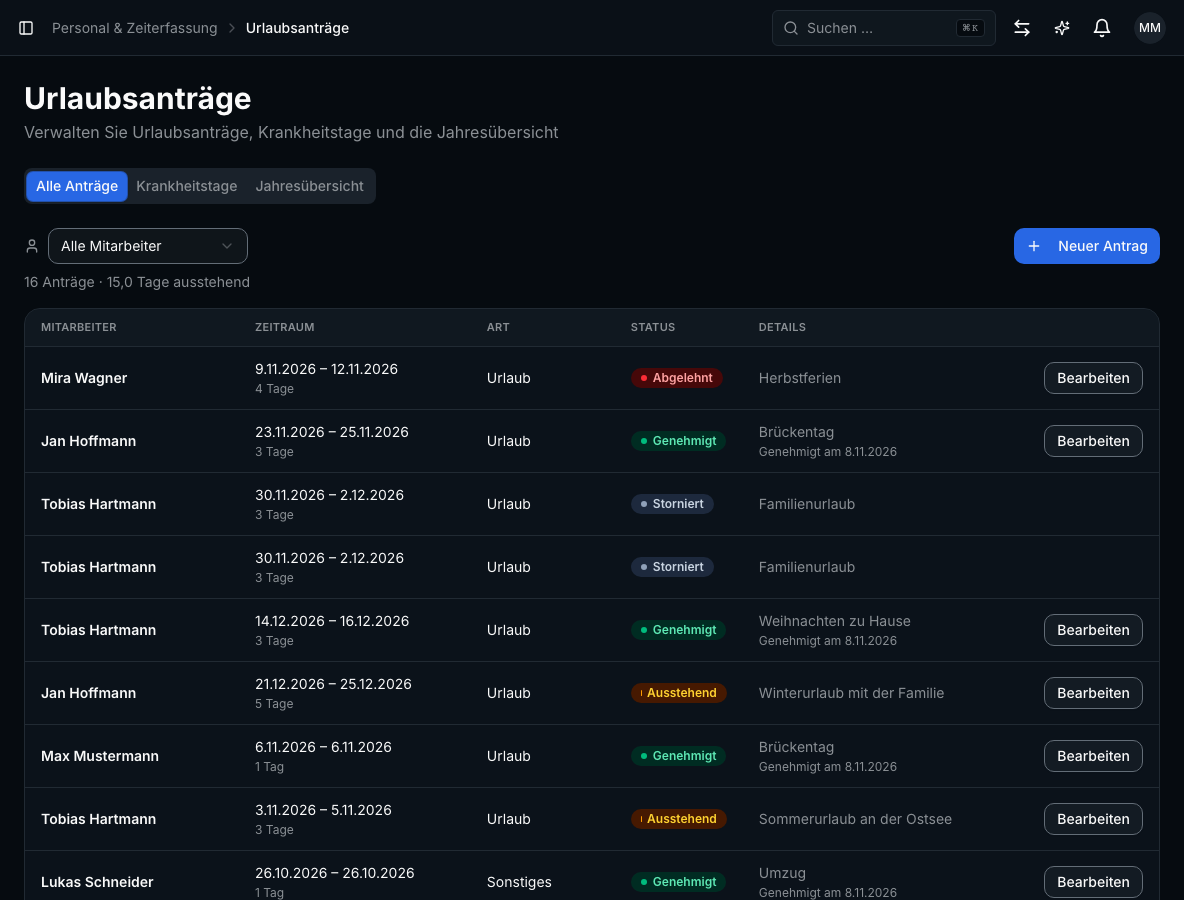
You manage your employees’ holiday requests and entire company holidays clearly in one place. Sick notes include dates and a doctor's note upload – or can be entered by management only, if you set it up that way.
- Employees request holidays in the app – you approve with one click
- Holiday management with annual overview and remaining leave in the team report
- Company holidays and public holidays (Germany and Austria)
- Sick note with from–to period and proof upload – optionally only via management
- Open requests marked yellow everywhere: calendar, times, employee file
Export
No more typing up timesheets: the recorded working times go to your payroll office or your tax adviser as a finished export.
- DATEV export for German accounting and daily CSV of working time
- CSV files that open directly in Excel
- Timesheet per project as PDF or CSV – also as an attachment to the invoice
- Automatic reports
Overtime account & report for your tax adviser
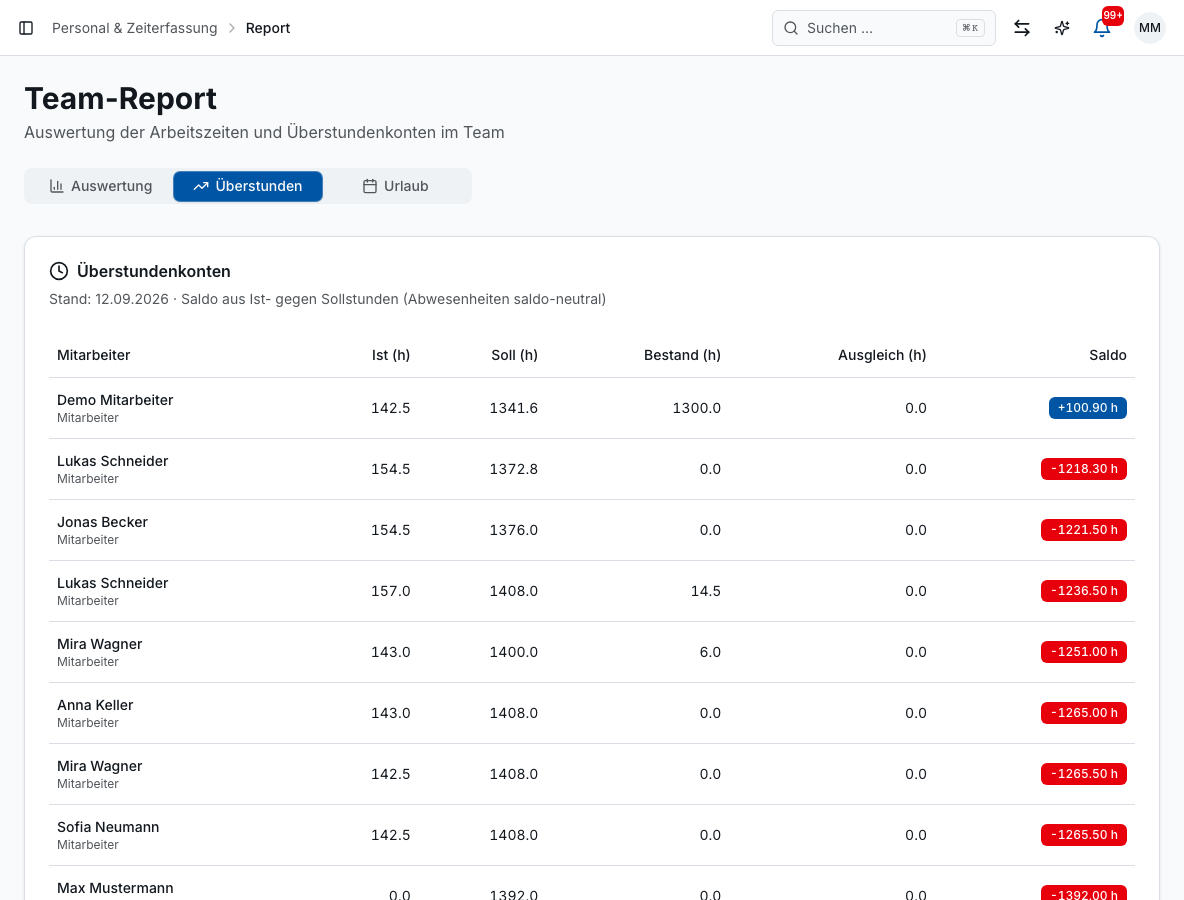
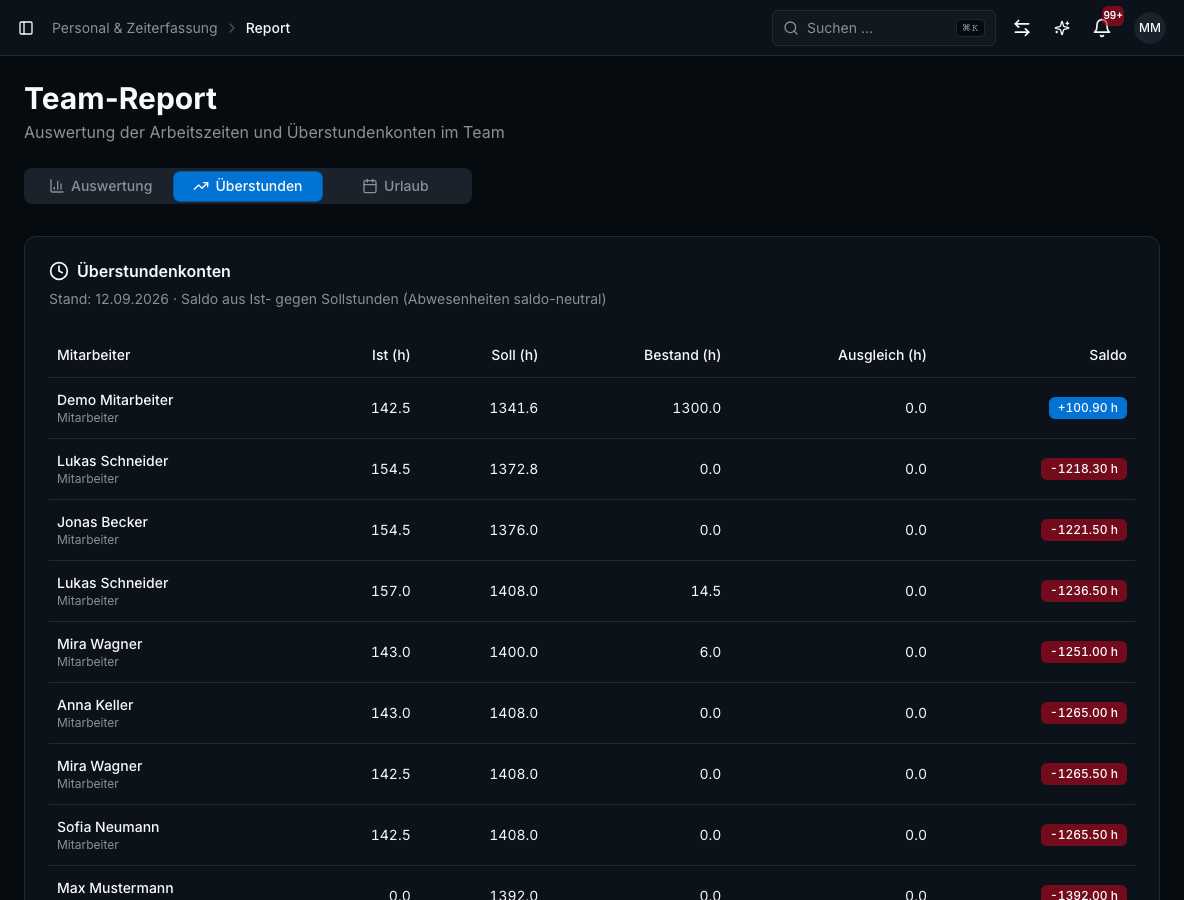
Bleno keeps a working time account for each employee with a running balance (actual against target), including time off in lieu and carry-over to the next year. You send the monthly export with target/actual, overtime and holidays as CSV directly to your tax adviser.
- Overtime account with running balance
- Team overview & opening balance on the cut-off date
- Time off in lieu & carry-over to the next year
- Monthly export (CSV / email to your tax adviser)
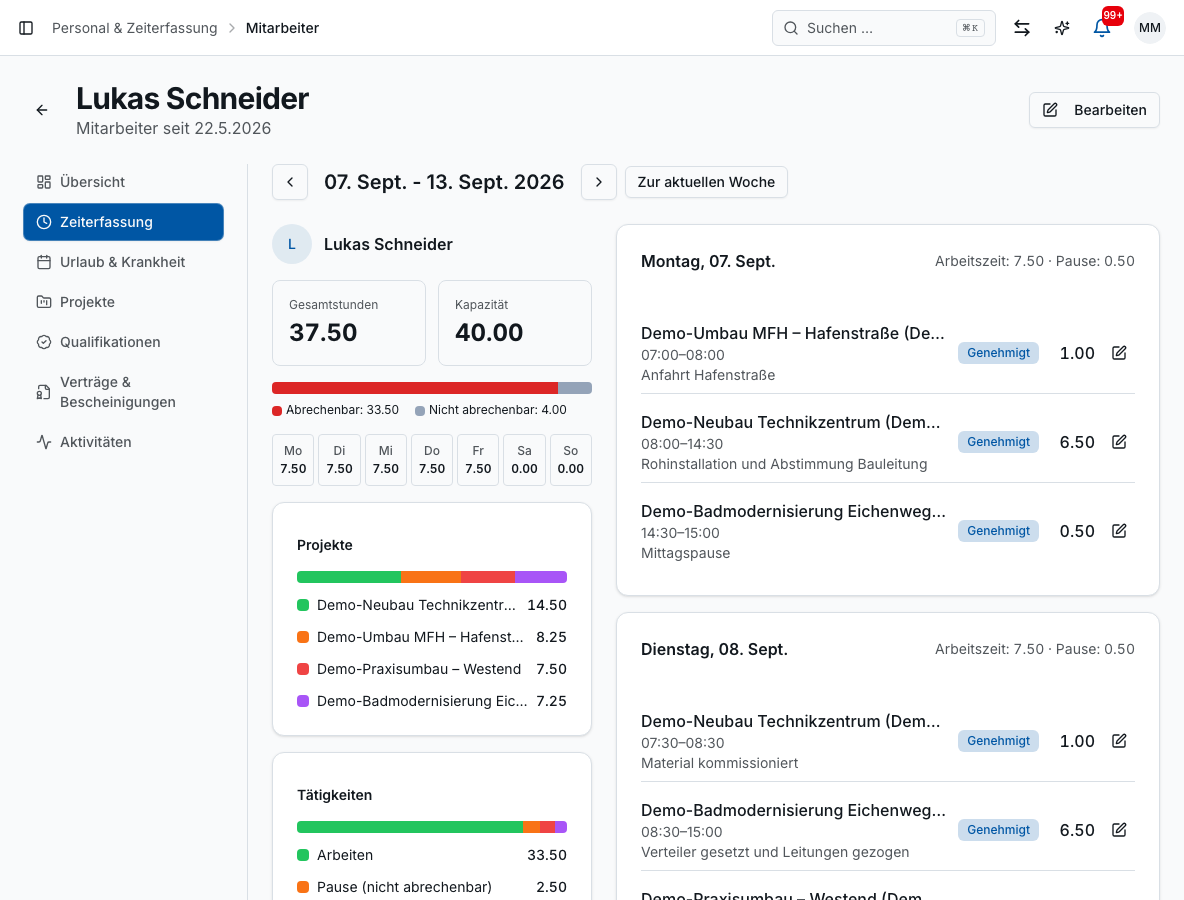
Employee times in detail
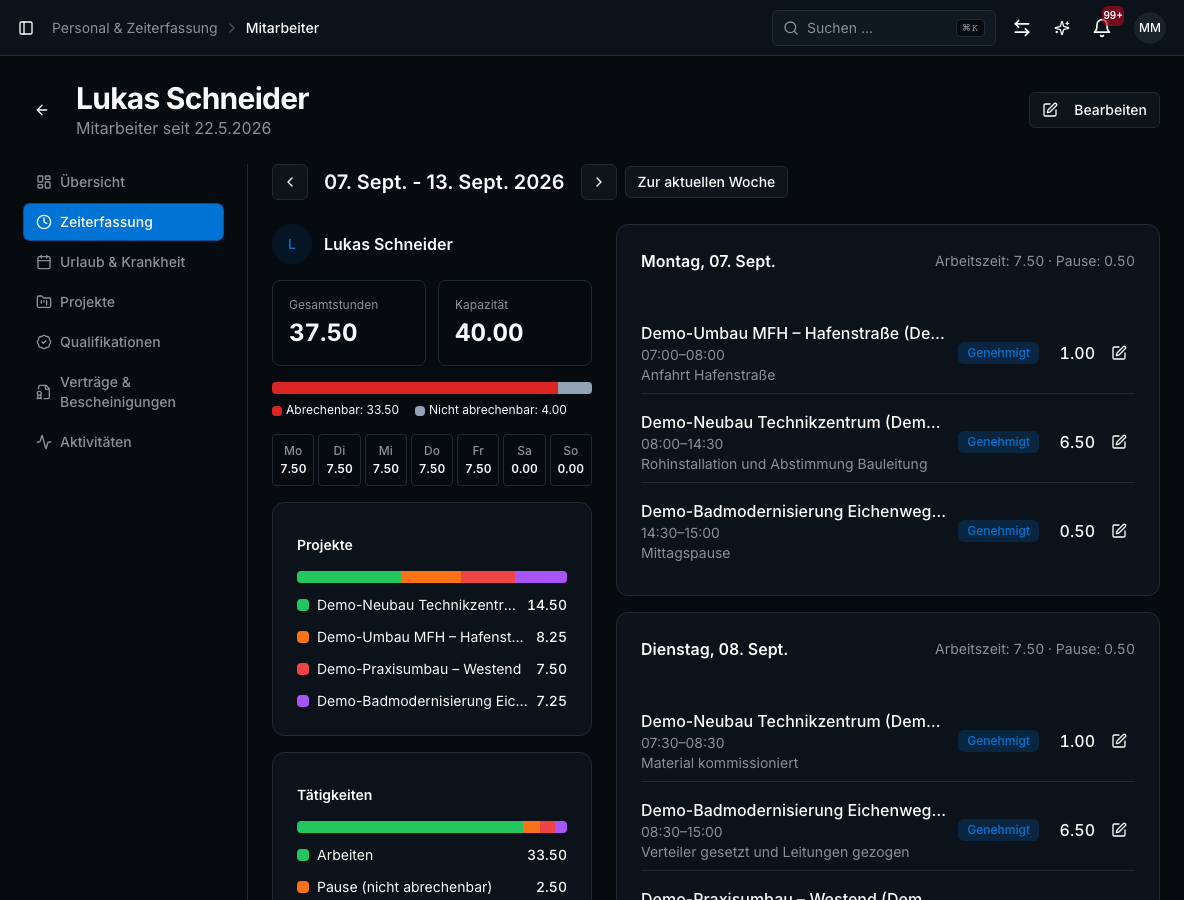
Open an employee and check their booked times directly in detail: weekly hours, project distribution and individual entries stay traceable in one place.
- Check times per employee
- Weekly hours and project shares in view
- Trace individual bookings
- Switch quickly between employee details and their hours balance
- Warnings in “Review times” about breaks and maximum working hours (German Working Hours Act) and the German minimum wage
Employee file: contracts, certificates & qualifications
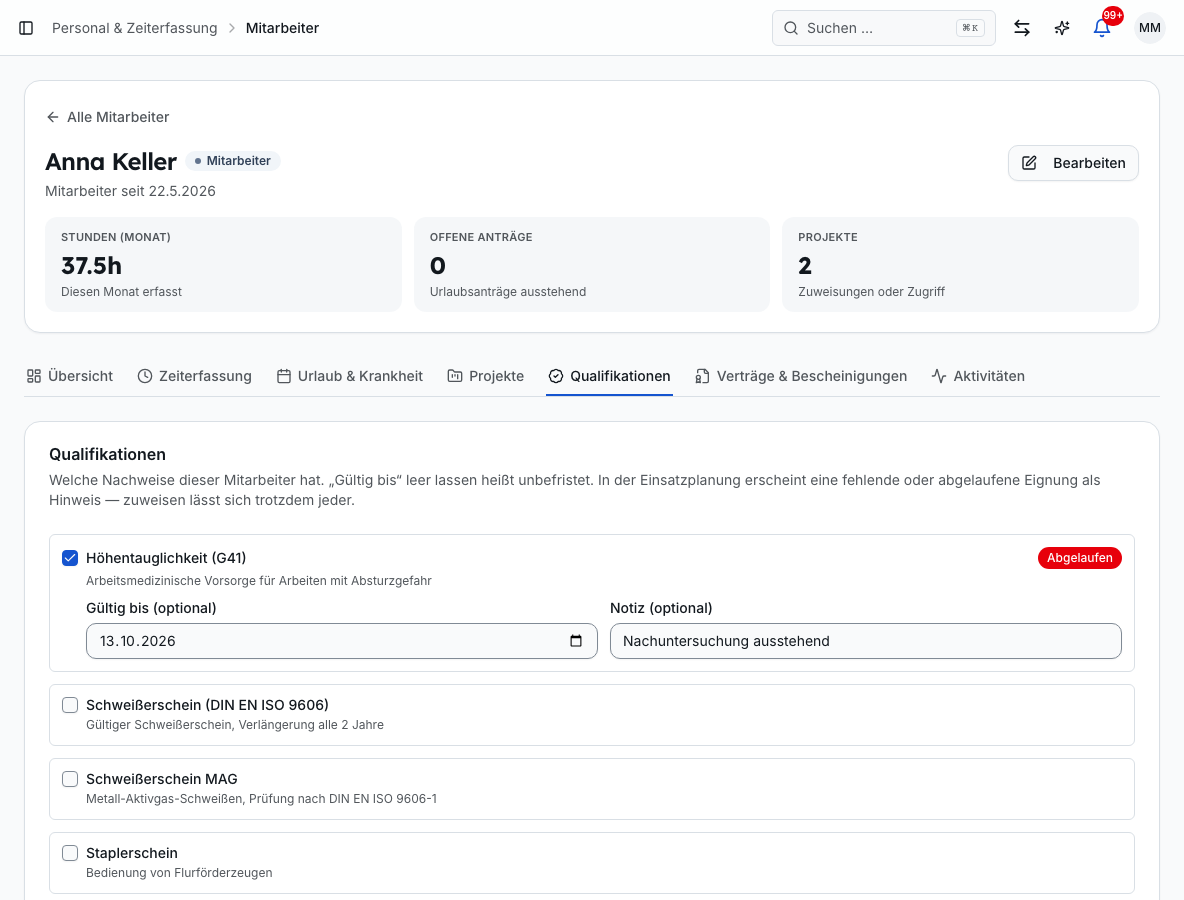
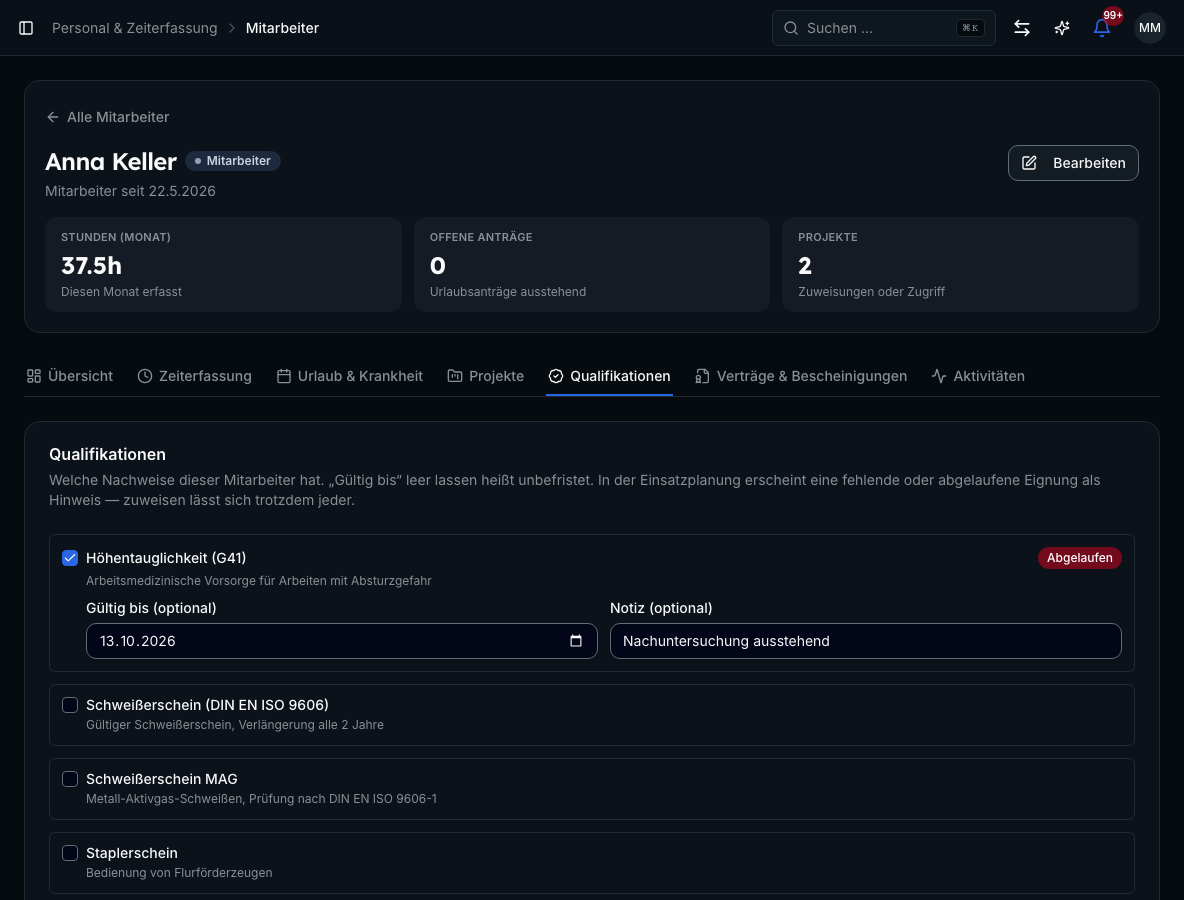
Store employment contracts, written statements of employment terms under the German Nachweisgesetz (NachwG) and certificates per employee in an audit-proof way, and record qualifications such as a welding certificate or fitness for work at height – assignment planning checks them when scheduling. This complements your work with your payroll office – without Bleno taking over payroll.
- Categories per employee file, versions instead of silent overwriting
- Qualifications per employee with a suitability notice in assignment planning
- ZIP export for the tax audit, exclude profiles from the payroll report
- Employees only see their own documents and maintain their contact details themselves
Benefits
Time tracking: what it does for you
- Accurate time tracking
- Log time hands-free by voice
- Less administrative work
- Better project control
- Easy export for your tax adviser
- Available on mobile
- Clock in at the tablet – even without a smartphone of your own
- No forgotten hours thanks to automatic reminders
- Store contracts and certificates digitally
FAQ
Frequently asked questions
Yes, in two ways. The simplest is the built-in kiosk time clock: a tablet in the workshop or site cabin is paired by code or QR, and employees clock in with a tap – optionally with a personal PIN. You connect existing terminals, time clocks or your own systems via API keys (“Einstellungen → API-Schlüssel” (Settings → API keys)): time entries and attendance blocks are transferred via the interface and merged in Bleno with the app bookings.
Yes. Times can also be recorded on behalf of others: in the daily report, the boss or foreman enters the employees present on each site with their hours. Alternatively, you add the hours directly on the employee page in the admin area. If you prefer a time recording terminal or a time clock, you can connect that too. Or you set up a kiosk tablet where employees clock in and out with a tap – without any device of their own or login. An inexpensive Android tablet or iPad from 10 inches with a wall mount and permanent power is enough, running Bleno in full screen or as an installed app.
Bleno reminds them automatically – by push notification, email or SMS. You also see missing days in the time overview and can add them yourself, individually or in the weekly grid for several employees at once.
Yes, your employees can record their working hours directly via the mobile app – by typing or hands-free by voice command. You keep full control.
Yes. In the employee app you book times by voice command in your app language, e.g. “Today 5 hours on project Müller”. Asking for weekly hours or undoing the last entry is possible by voice too.
You export the working times in the German DATEV format or as CSV (opens directly in Excel). You send the monthly export with target/actual, overtime and holidays by email directly from Bleno to your tax adviser or payroll office.
Yes. Employees request holidays directly in the app, and you approve or decline with one click – the employee is notified automatically. You see company holidays, public holidays and remaining leave in one view, and assignment planning takes approved holidays into account automatically.
Yes. In the employee file you store contracts and certificates digitally and export them as a ZIP. Payroll stays with your tax adviser or payroll office.
Matching features
These features work hand in hand in your daily work. You'll find all the others in the overview.
Time clock kiosk
Turn a tablet into a time clock – clock in with a tap, optionally with a PIN.
Learn more – Time clock kiosk →Employee app
Daily plan, time tracking, documents, materials and chat on your team's phones.
Learn more – Employee app →Scheduling
Plan jobs, crews and absences on one board – with weather and capacity in view.
Learn more – Scheduling →Site documentation
Daily reports, acceptance reports and photos – filed directly on the project.
Learn more – Site documentation →Quotes & invoices
Create professional quotes, order confirmations and invoices in minutes.
Learn more – Quotes & invoices →Ready to get started?
Try Bleno free for 14 days, with no obligation. No credit card required.